
Frameo Digital Picture Frame
4.6Editor score
Affordable price
32GB storage
WiFi sharing app
This guide compares the top digital picture frames for grandparents based on ease of use, connectivity, display quality, and sharing features to help you
Finding the right digital picture frame for grandparents can transform how they stay connected with family. A good frame offers simple setup, clear displays, and easy photo sharing without needing tech skills.
We evaluated ten top models based on usability, screen quality, storage options, and sharing capabilities. Each product was reviewed for features that matter most to seniors and their families living apart.
Each pick highlights unique strengths like touch interfaces, cloud storage, or offline options. Note that prices change frequently so check current listings before purchasing to ensure the best value for your budget today.
4.6Editor score
4.7Editor score

4.7Editor score
This side-by-side comparison shows key specs for each model to help you decide which frame fits your needs and budget best for keeping grandparents connected.


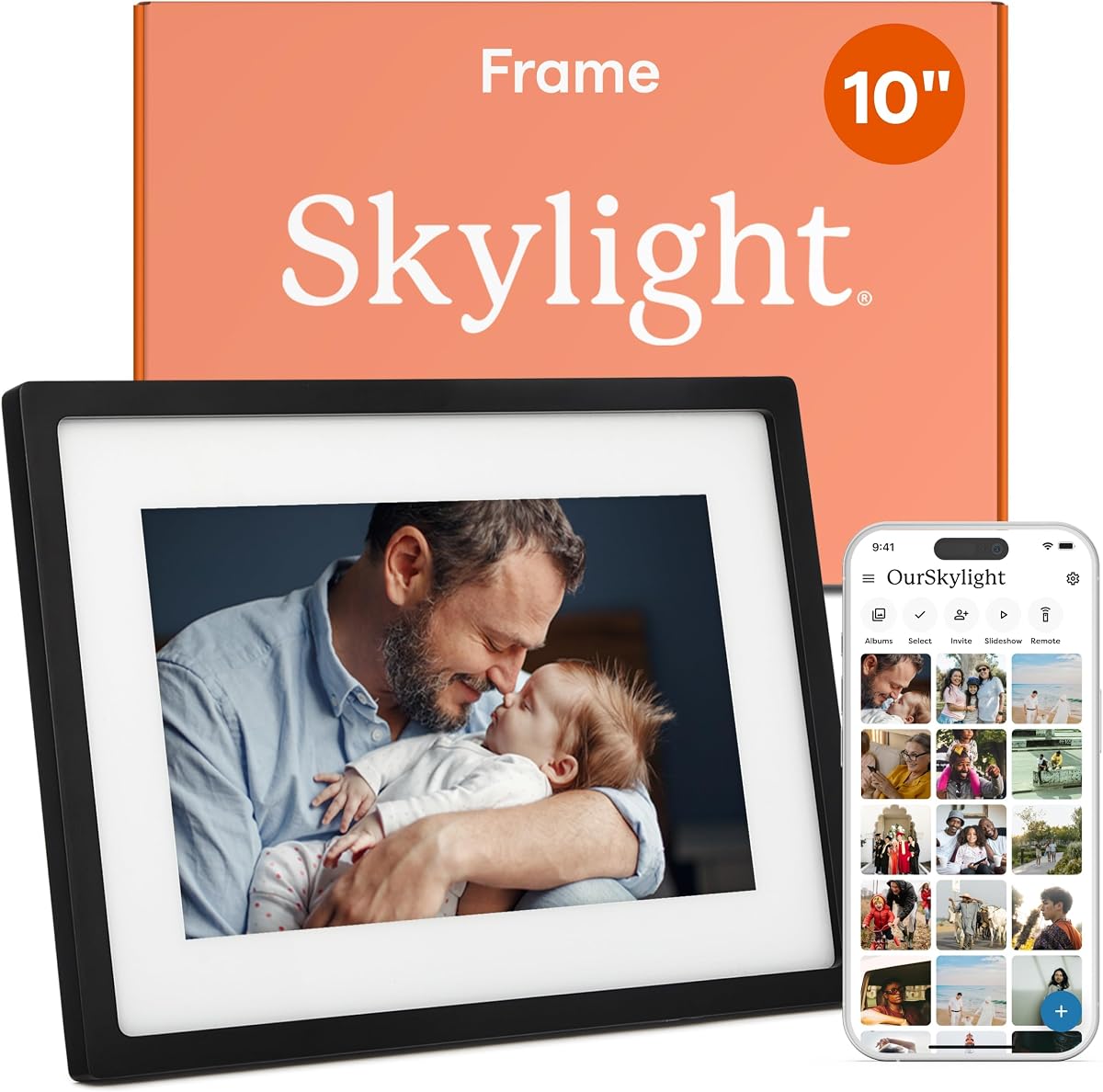
The Skylight Digital Picture Frame stands out as the top choice for grandparents who value simplicity. It has a 4.7 star rating and makes sharing photos effortless through email addresses assigned to the device.
We may earn a commission when you buy through this link, at no additional cost to you.
Its standout feature is the plug-and-play setup that avoids app downloads on the grandparents phone. You send photos to a unique email and they appear instantly on the Full HD touch display without complexity.
While it relies on Wi-Fi for receiving new content, the cloud storage removes the need for SD cards. The offline mode allows viewing existing photos even when internet access is temporarily unavailable.
This frame is ideal for seniors who want a no-fuss way to see family updates. Gift Mode lets you preload photos before shipping so the unboxing experience is ready to use immediately.
Sending photos via email means anyone can share without learning new apps or logging into accounts on the frame itself.
You can personalize the frame before it arrives so grandparents start enjoying memories right away without needing setup help.
We may earn a commission when you buy through this link, at no additional cost to you.
The Frameo Digital Picture Frame offers exceptional value for families seeking an affordable option without sacrificing core features. With a 4.6 rating it balances cost and functionality for everyday use.
We may earn a commission when you buy through this link, at no additional cost to you.
Its ability to upload photos via SD card or USB without Wi-Fi is a major benefit for non-tech-savvy users. The magnetic stand allows quick switching between portrait and landscape orientations easily.
While the embossed design looks premium, the USB cable for computer transfer is not included. Users may need to source a compatible cable to connect to Windows computers for photo imports.
This frame is perfect for budget-conscious buyers who still want reliable photo sharing. The Frameo app supports private sharing and the storage capacity holds thousands of memories securely.
SD card transfer bypasses the need for internet setup making it easier for those uncomfortable with Wi-Fi configurations.
The embossed frame adds a touch of elegance to home decor while keeping the cost accessible for most budgets.
We may earn a commission when you buy through this link, at no additional cost to you.
The Aura Digital HD Picture Frame delivers a premium experience with unlimited storage and no recurring fees. It carries a 4.7 rating and is praised for its elegant design and ease of setup.
We may earn a commission when you buy through this link, at no additional cost to you.
Unlimited cloud storage means you never delete photos to make space. The frame adjusts brightness automatically to match room lighting and supports iOS live photos for dynamic memories.
Gift-ready packaging makes it a thoughtful present but the app dependency can be a hurdle for some users. Screen mirroring from Windows PCs adds flexibility for photo transfers without Wi-Fi sharing.
This frame is ideal for those willing to invest in quality and convenience. The one minute setup process ensures grandparents can start receiving photos from family members immediately.
Never worry about filling up memory by adding unlimited photos and videos without paying monthly subscription fees.
iOS live photos play with motion and sound bringing favorite moments to life on the high definition display.
We may earn a commission when you buy through this link, at no additional cost to you.
This Frameo model offers a spacious 15.6 inch display ideal for grandparents who prefer larger images. It has a 4.5 rating and stores up to 100,000 photos with expandable storage via SD cards.
We may earn a commission when you buy through this link, at no additional cost to you.
The IPS Full HD screen provides vivid colors from any angle. Users can reply with emojis to shared photos and the built-in speaker plays video audio for a complete memory experience.
Video uploads via the app are limited to 15 seconds which may restrict longer clips. The Type-C connector needs careful handling to avoid damaging the metal contacts during plug and unplugging.
This frame suits households wanting a centerpiece display. The touchscreen and multiple settings like brightness adjustment and sleep mode offer customization for different viewing preferences throughout the day.
The 15.6 inch display ensures photos are easy to see without straining eyes especially for those with vision challenges.
Send instant feedback to senders using emojis making the sharing experience more engaging and connected.
We may earn a commission when you buy through this link, at no additional cost to you.
The Pastigio Frameo frame provides a large FHD display with interactive features for family connection. It holds a 4.5 rating and allows unlimited member sharing through the secure Frameo app.
We may earn a commission when you buy through this link, at no additional cost to you.
Users can react with emojis in real time to let senders know they appreciate the photos. The sleep mode saves energy by turning off automatically when not in use during night hours.
Offline transfers via SD card work for photos but video limits apply on app uploads. FAT32 format is required for external storage which may need formatting if the card is new.
This frame is great for active families sharing daily updates. The detailed FHD pixels capture tiny details like pet fur or freckles making every photo feel more personal and clear.
Reacting with emojis creates a two way connection so senders feel their efforts are seen and appreciated.
High resolution pixels show every detail clearly making the display perfect for close viewing of cherished memories.
We may earn a commission when you buy through this link, at no additional cost to you.
AEEZO offers a smart digital frame with auto rotation and light sensors for optimal viewing. With a 4.6 rating it stores over 50,000 photos and includes a one year limited warranty for peace of mind.
We may earn a commission when you buy through this link, at no additional cost to you.
The gravity sensor adjusts photos to match the frame orientation automatically. Light sensors change brightness based on ambient light to reduce eye strain during different times of day.
Photos must be imported to internal storage before playing even with SD cards inserted. This extra step ensures smoother playback but adds setup time for large photo collections.
This frame is suitable for those wanting automated features. The weather and time displays keep grandparents informed while viewing photos and the AiMOR app enables easy remote sharing.
Sensors handle orientation and brightness automatically so users don t need to change settings manually.
A one year limited warranty supports quality assurance and prompt responses for any technical issues that arise.
We may earn a commission when you buy through this link, at no additional cost to you.
This Frameo model includes calendar syncing and collage features for organized viewing. It has a 4.6 rating and supports multiple calendars like iCloud and Google to show schedules alongside photos.
We may earn a commission when you buy through this link, at no additional cost to you.
Collage mode displays up to six photos in vibrant layouts making efficient use of screen space. Recipients can react with specific emotions like heart or laugh directly on the frame touch screen.
The calendar integration helps grandparents stay organized without needing a separate planner. Auto rotation ensures every photo fits correctly whether the frame is placed vertically or horizontally.
This frame works well for busy families. The private sharing keeps memories secure while the collage and emotion features add a playful touch to daily updates and special event reminders.
Daily schedules appear alongside photos so grandparents can keep up with appointments and family events in one place.
Choosing specific emotions when replying adds more personal touch than generic emojis to strengthen family bonds.
We may earn a commission when you buy through this link, at no additional cost to you.
Flyruit offers a large 15.6 inch frame with special greeting capabilities for birthdays. It holds a 4.7 rating and allows themed picture sending for occasions without needing additional accessories.
We may earn a commission when you buy through this link, at no additional cost to you.
The frame supports 2.4GHz Wi-Fi only so users must ensure router compatibility. Offline USB transfers work well for those who prefer connecting to a computer directly instead of using apps.
Auto rotation and sleep mode provide convenience and energy efficiency. The display clarity brings photos to life with vivid colors that look sharp from any viewing angle in the room.
This frame is ideal for special occasions. The ability to send themed greeting pictures makes birthdays and holidays feel more personal while the large screen ensures everyone can see clearly.
Send themed pictures for birthdays making special days feel more celebratory and personal with visual touches.
USB and SD card transfers provide options for users uncomfortable with Wi-Fi connections to add photos easily.
We may earn a commission when you buy through this link, at no additional cost to you.
This product entry requires verification as full details are currently unavailable. Buyers should check the latest listing on Amazon for accurate specifications and customer ratings before purchasing.
We may earn a commission when you buy through this link, at no additional cost to you.
Data availability may vary based on inventory and listing updates. Contacting the seller directly can provide additional information regarding compatibility and current pricing for this model.
Until complete information is confirmed this frame remains a potential alternative worth monitoring. Users interested in digital frames should prioritize models with verified specs and proven user satisfaction.
This entry highlights the importance of checking current product data. Ensure any selected frame meets your needs by confirming features and compatibility before finalizing your purchase decision.
Always check the latest product details and seller support options to ensure the frame meets your specific requirements.
Listing information may change so revisit this product if you are interested in exploring additional options.
We may earn a commission when you buy through this link, at no additional cost to you.
Choosing the right frame requires balancing ease of use with features that support connection. Consider these factors to ensure the gift brings joy and simplicity.
Larger screens like 15.6 inches help grandparents see photos clearly without squinting. High resolution displays ensure details remain sharp and colors look natural across the entire image.
Opt for a screen size that fits their viewing distance and space while ensuring pixel density supports clear photo rendering for older eyes.
Simple setup processes reduce frustration and increase the likelihood of regular use. Look for frames that require minimal steps and avoid complex app downloads on the device itself.
Prioritize models with email sharing or straightforward Wi-Fi pairing to ensure grandparents can start viewing photos immediately without technical help.
Multiple sharing options like email app or USB ensure family members can send photos from different devices. Private sharing networks keep memories secure from public access.
Choose a frame that supports your family s preferred sharing method to guarantee smooth and reliable delivery of updates to the display.
Built-in storage determines how many photos can be stored locally. Unlimited cloud options prevent needing to manage space manually over time.
Ensure the storage option fits your needs whether local expansion or cloud-based to keep memories accessible without frequent deletions.
Offline transfers via SD cards or USB drives help when internet connections are unreliable. This feature ensures the frame works even if Wi-Fi is temporarily unavailable.
Look for models that allow local photo imports so grandparents can view their collection without depending on an internet connection at all times.
Features like auto rotation and brightness adjustment enhance viewing comfort and reduce manual adjustments. These conveniences help the frame blend seamlessly into daily routines.
Smart features that adapt to the environment make the frame more enjoyable and less demanding to maintain for seniors.
Gift mode and ready packaging make the product perfect for special occasions. Preloaded photos ensure grandparents experience the joy immediately upon opening.
Select frames with these thoughtful touches to reduce setup stress and deliver a polished experience for the recipient.
A solid warranty protects your investment and indicates manufacturer confidence in quality. Reliable support ensures issues are resolved quickly without delays.
Check for at least a one year warranty and responsive customer service to safeguard the longevity of the gift you choose.
Begin by placing the frame on a stable surface near a power outlet. Connect the power adapter and wait for the screen to light up to indicate the device is ready to use.
Download the companion app on your smartphone to start sharing photos. Send images through the designated method and confirm they appear on the frame within minutes.
Clean the screen with a soft dry cloth to avoid scratches. Keep the frame away from direct sunlight and moisture to maintain display clarity and extend its lifespan.
Many frames require Wi-Fi to receive new photos but some support offline transfers via SD cards or USB drives. Check the model s specifications for offline capabilities if internet access is limited.
Most frames allow photo sharing through a companion app email or cloud services. Select your frame s preferred method and follow the pairing instructions to send images from your phone.
Many modern frames include touch screens for easy navigation and manual updates. Touch interfaces allow users to browse photos adjust settings or react to shared content directly.
Several models support short video playback with sound via upload or SD card. Videos add dynamic elements to memories but may have time limits depending on the frame model.
Existing photos remain visible in offline mode on most frames. New photos will not arrive until the connection is restored but the device continues displaying local content without interruption.
Some frames offer free storage while others may require subscriptions for unlimited cloud storage. Always check the pricing model before buying to avoid unexpected monthly charges.
Follow the included manual to connect power and internet. Use the app to send photos to the device s unique address or code and allow time for photos to appear on the screen.
The Skylight and Aura frames lead in ease of use while the Frameo models offer excellent value. Each provides unique strengths to suit different needs and preferences.
Prioritize simplicity and screen quality when selecting a frame. Ensure sharing methods match your family s habits to maximize the likelihood of regular usage and joy.
Check current prices and availability before purchasing. These models are designed to bring families together through cherished photos and memories displayed daily.