
ASUS ROG Strix G16 (2025)
4.4Editor score
Intel Core i7 Processor
RTX 5060 GPU
165Hz FHD+ Display
The ASUS ROG Strix Laptop series offers powerful gaming machines designed for enthusiasts who demand high performance and reliable cooling. These devices combine cutting-edge processors and graphics cards with vibrant displays to deliver immersive experiences for both work and play.
To create this comprehensive list, we evaluated ten distinct models based on their hardware configurations, build quality, and user feedback. Each entry represents a unique configuration within the Strix family, catering to different budgets and specific performance needs.
Every pick highlights key specifications and standout features to help you find the right fit for your setup. Please note that availability and pricing can change frequently, so verifying current details before purchasing is always recommended.
4.4Editor score

4.3Editor score

5.0Editor score
As an Amazon Associate we earn from qualifying purchases.
The following comparison table provides a side-by-side look at the technical specifications and key features of each model to simplify your selection process.




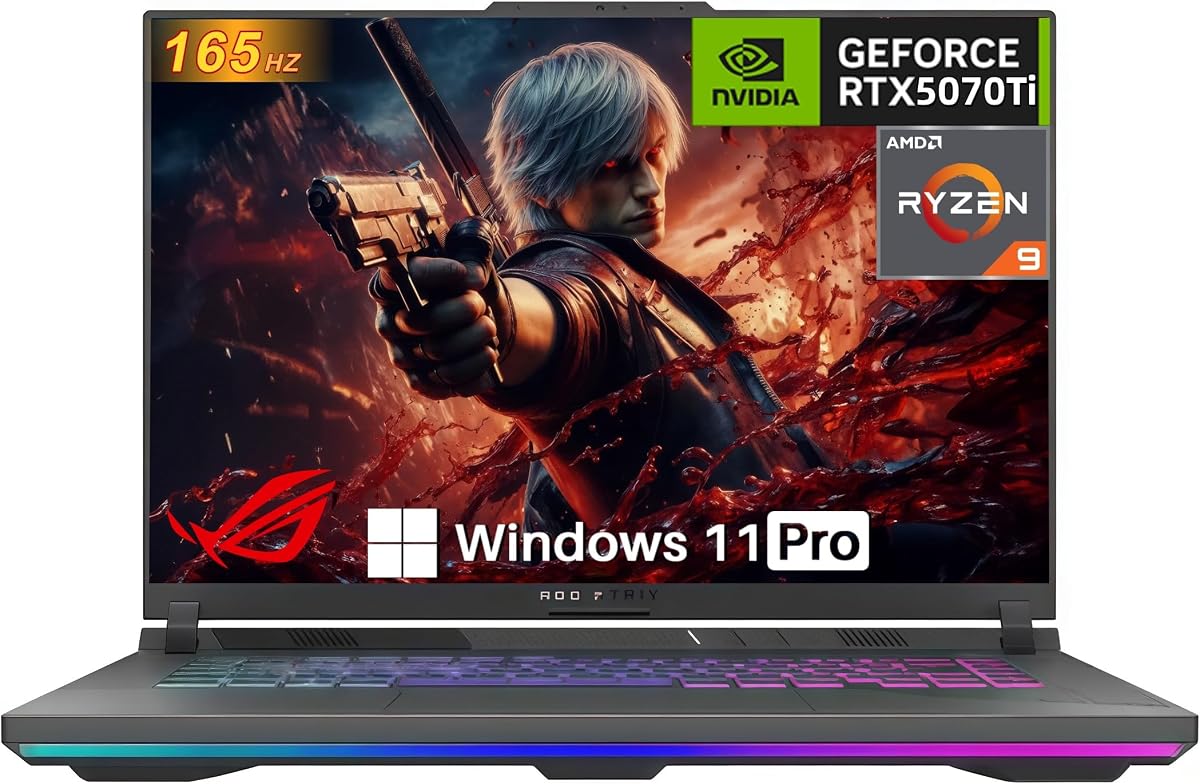
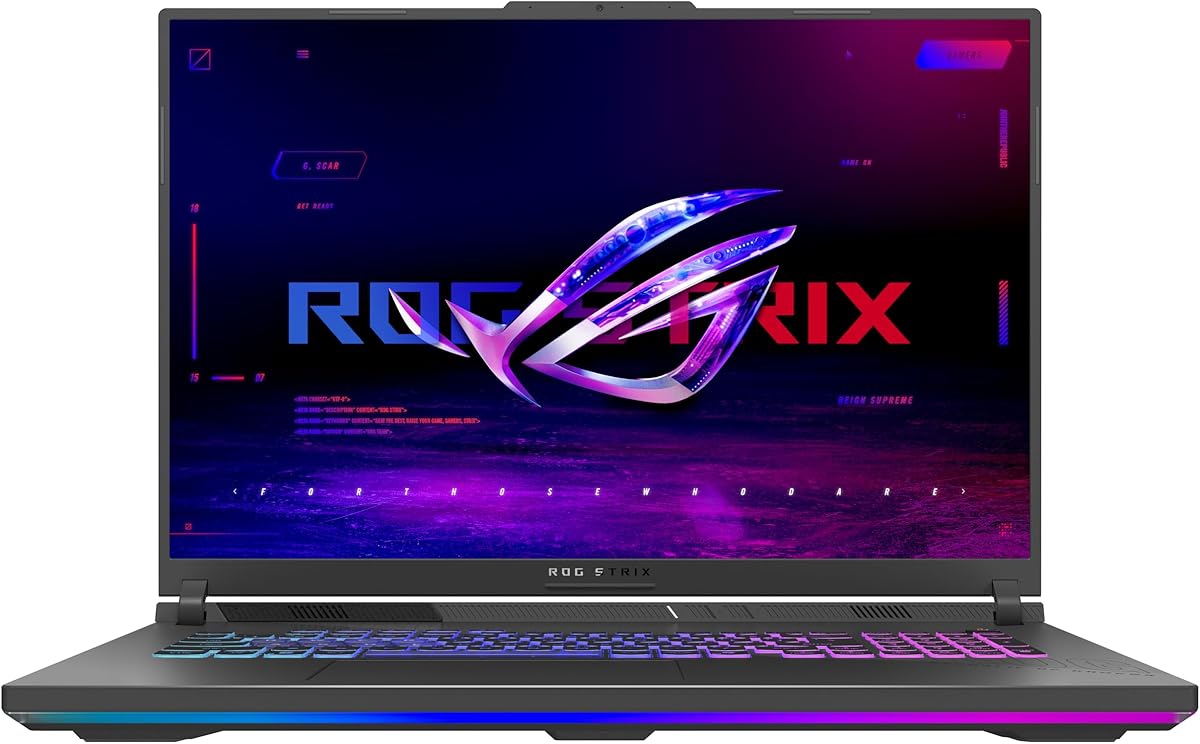
The ASUS ROG Strix G16 (2025) stands out as a top pick for budget-conscious gamers who still want reliable performance. With a 4.4 rating from users, it delivers smooth gaming experiences through its Intel Core i7 processor and RTX 5060 GPU. The 165Hz display ensures fluid visuals during competitive matches.
We may earn a commission when you buy through this link, at no additional cost to you.
Key strengths include the inclusion of Wi-Fi 7 for faster network speeds and the robust ROG Intelligent Cooling system that keeps temperatures in check during long sessions. The 1TB Gen 4 SSD provides ample space for game installations while maintaining quick load times across all titles.
Trade-offs involve the FHD+ resolution which may lack sharpness compared to higher-end panels, and the RTX 5060 which handles modern games well but may struggle with extreme ray tracing settings. These limitations are acceptable given the value proposition offered at this price point.
This model is ideal for students and casual gamers who prioritize battery life and portability over maximum graphical fidelity. Its sleek design and effective thermal management make it a practical choice for daily use and entertainment alike.
The vapor chamber and tri-fan technology work together to maintain stable performance without excessive noise during gameplay.
Wi-Fi 7 support ensures future-proof connectivity for low-latency online gaming and high-speed file transfers.
We may earn a commission when you buy through this link, at no additional cost to you.
The ASUS ROG Strix G16 (2025) Pro earns our Editor's Choice award for its balanced combination of high-end components and premium features. Users appreciate the Intel Core Ultra 9 processor and RTX 5070 Ti which deliver smooth frame rates in demanding titles. The ROG Nebula display offers stunning color accuracy and speed.
We may earn a commission when you buy through this link, at no additional cost to you.
Its main strengths lie in the 2.5K resolution and 240Hz refresh rate which provide crystal clear visuals and ultra-smooth motion for competitive gaming. The 32GB of DDR5 RAM allows for heavy multitasking between games and creative applications without any system slowdowns or bottlenecks.
Trade-offs include the higher price tag compared to entry models which may not suit all budgets, and the lack of unique customization features like AniMe Vision found on larger chassis. These factors are manageable for users focused primarily on raw performance and screen quality.
This laptop is best suited for professional gamers and content creators who need top-tier visuals and processing power on a portable form factor. It bridges the gap between desktop replacement power and laptop portability effectively for demanding workflows.
The 2.5K resolution with ACR film reduces glare while enhancing contrast for vibrant viewing in any lighting condition.
Intel Core Ultra 9 architecture handles complex rendering tasks and gaming workloads with significant efficiency gains.
We may earn a commission when you buy through this link, at no additional cost to you.
The ASUS ROG Strix Scar 18 (2025) is a desktop replacement powerhouse that earns the Editor's Choice badge for its premium display technology and unique customization options. It features a Mini LED HDR panel with thousands of dimming zones that offer deep blacks and bright highlights for immersive viewing.
We may earn a commission when you buy through this link, at no additional cost to you.
Standout features include the AniMe Vision display on the lid which allows users to show custom animations or text, and the inclusion of a MUX Switch that boosts gaming performance by up to 10 percent. The large chassis also supports a more robust cooling system for sustained high performance under load.
Trade-offs involve the bulkier design which reduces portability for travel scenarios, and the Windows 11 Pro edition which may include features unnecessary for home users. These points are minor considerations for those who value top-tier visual fidelity and unique style elements.
This device is perfect for users who want a massive screen and premium features without building a custom desktop. It excels in stationary gaming setups and creative studios where screen real estate and visual quality are paramount priorities.
The HDR display offers superior brightness and contrast for a cinematic experience that rivals external monitors.
AniMe Vision on the lid allows you to express your style with customizable text and animations on the go.
We may earn a commission when you buy through this link, at no additional cost to you.
The ASUS ROG Strix G16 (2025) Mid model offers a compelling mix of premium display tech and strong processor power. It features the ROG Nebula Display with a 240Hz refresh rate and Dolby Vision HDR support which makes colors pop and motion look smooth during dynamic scenes.
We may earn a commission when you buy through this link, at no additional cost to you.
Key strengths are the high refresh screen and the powerful Intel Core Ultra 9 processor which handles multitasking and gaming loads with ease. The 16GB of DDR5 RAM provides enough speed for most modern titles while the Gen 4 SSD ensures quick access to installed applications.
Trade-offs include the RTX 5060 GPU which might not fully utilize the high refresh rate in more graphically demanding titles, and the 16GB memory limit which could become a bottleneck over time. These compromises are acceptable for users prioritizing screen quality and CPU speed.
This laptop fits users who want a vivid display for media consumption and gaming without jumping to the most expensive tier. It serves as a balanced choice for those who value visual fidelity in their daily workflow and entertainment.
Dolby Vision HDR adjusts colors to make the image richer and brighter for a more immersive experience.
Intel Core Ultra 9 ensures that CPU intensive tasks like streaming or video editing run smoothly alongside gaming.
We may earn a commission when you buy through this link, at no additional cost to you.
The ASUS ROG Strix G16 AMD (2025) model brings a strong alternative to Intel with its AMD Ryzen 9 processor and RTX 5070 GPU. It delivers excellent gaming performance and multitasking capability thanks to the high core count and powerful graphics architecture included in this configuration.
We may earn a commission when you buy through this link, at no additional cost to you.
Strengths include the Ryzen 9 9955HX which offers competitive performance in productivity apps and the RTX 5070 which supports high frame rates in modern titles. The cooling system ensures that thermal throttling is minimized even during extended periods of heavy usage and intense gaming.
Trade-offs involve the use of Wi-Fi 6E which is slightly older than Wi-Fi 7 found in other models, and the FHD+ display which may lack the resolution of higher-end options. These factors are minor for users focused primarily on raw performance and compatibility with AMD ecosystems.
This laptop is ideal for users who prefer AMD technology and want a balanced device that handles both work and play. It offers solid value and high performance for those looking to avoid Intel specific features in their hardware choices.
The Ryzen 9 processor provides efficient multi-threaded performance that benefits heavy multitasking and creative applications.
Tri-Fan technology and full-width heatsinks keep the system cool and quiet even during demanding gaming sessions.
We may earn a commission when you buy through this link, at no additional cost to you.
The ASUS ROG Strix G16 AMD (2026) model is designed for users who demand maximum GPU power and high memory capacity in a compact chassis. It features a 12GB GDDR7 RTX 5070 Ti and a 16-core Ryzen 9 processor which deliver desktop-class performance for gaming and creative tasks.
We may earn a commission when you buy through this link, at no additional cost to you.
Standout features include the high 140W TGP of the GPU which allows for sustained peak performance and the 32GB of DDR5 RAM which supports seamless multitasking. The inclusion of a MUX Switch further enhances gaming efficiency by allowing the dedicated GPU to drive the display directly.
Trade-offs include the WUXGA resolution which is lower than 2.5K options found elsewhere in the lineup, and the reliance on Wi-Fi 6E instead of newer standards. These limitations are acceptable given the focus on raw processing power and memory capacity for heavy workloads.
This laptop is best for professional users and hardcore gamers who prioritize raw performance over display resolution. It serves as a robust workstation that handles rendering and streaming tasks with significant speed and reliability.
The RTX 5070 Ti with GDDR7 memory provides faster data access for ray tracing and high resolution textures.
32GB of RAM allows for running multiple heavy applications simultaneously without any performance degradation.
We may earn a commission when you buy through this link, at no additional cost to you.
The ASUS ROG Strix G16 AMD Slim model provides a streamlined solution for users seeking high gaming performance with upgrade flexibility. It pairs a potent Ryzen 9 processor with an RTX 5070 Ti which handles modern titles effectively while maintaining good power efficiency in a smaller chassis.
We may earn a commission when you buy through this link, at no additional cost to you.
Key strengths include the tool-free access design that makes upgrading RAM and storage simple without needing a screwdriver, and the PCIe Gen 4 SSD which delivers fast load times for games and applications. The advanced cooling system ensures the components stay within safe temperature limits during operation.
Trade-offs involve the 8GB VRAM on the GPU which may limit texture quality in some ultra settings, and the 16GB RAM base which might need future expansion. These are manageable considerations for users who value ease of customization and high performance density.
This laptop is perfect for users who want a high performance machine that is easy to maintain and upgrade over time. It offers a balanced approach for those who value convenience and raw power in their daily computing routine.
Tool-free access to RAM and SSD slots allows quick upgrades without technical difficulty or risk of damage.
The RTX 5070 Ti delivers strong ray tracing and frame generation capabilities for smooth and immersive gaming.
We may earn a commission when you buy through this link, at no additional cost to you.
The ASUS ROG Strix G16 (2026) Premium model represents the pinnacle of mobile gaming performance with its RTX 5080 GPU and Core Ultra 9 processor. It features a Nebula HDR display that offers stunning color accuracy and brightness making it ideal for both high-end gaming and professional creative work.
We may earn a commission when you buy through this link, at no additional cost to you.
Standout features include the RTX 5080 which provides unmatched graphics performance and the Wi-Fi 7 connectivity that ensures future-proof network speeds. The combination of 32GB RAM and a high speed SSD ensures that the system never lags even under the most demanding multitasking workloads.
Trade-offs include the very high cost which may not suit casual users, and the focus on premium features that some may not utilize regularly. These factors are acceptable for professionals and enthusiasts who need the absolute best in mobile computing power and display quality.
This device is best for users who need a desktop replacement with maximum portability and high-end graphics performance. It excels in high fidelity gaming, 3D rendering, and any task that demands top-tier processing and visual clarity.
The RTX 5080 delivers next-level frame rates and ray tracing for a true cinematic gaming experience.
Nebula HDR provides deep blacks and vibrant colors with high contrast ratios for a lifelike image.
We may earn a commission when you buy through this link, at no additional cost to you.
The ASUS ROG Strix G16 (2025) Storage model stands out with its massive 2TB Gen 4 SSD which provides ample space for large game libraries and project files. It pairs this with a strong Core Ultra 9 processor and RTX 5070 which ensure smooth performance during gameplay and creative work.
We may earn a commission when you buy through this link, at no additional cost to you.
Key strengths are the 2TB storage capacity which eliminates the need for external drives, and the 32GB of DDR5 RAM which supports heavy multitasking. The Nebula display adds a touch of visual quality with its high refresh rate and accurate color rendering for media consumption.
Trade-offs include the higher cost of the extra storage which may not be necessary for all users, and the RTX 5070 which is powerful but not the top tier option. These points are manageable for users who prioritize storage space and multitasking over graphical peak performance.
This laptop is ideal for users with large media collections or professional workflows that require significant local storage. It serves as a reliable workstation that combines speed and capacity for demanding daily use cases.
The 2TB Gen 4 SSD offers plenty of room for games and large files without external storage needs.
32GB of RAM ensures smooth switching between applications and games without slowdowns or lag.
We may earn a commission when you buy through this link, at no additional cost to you.
The ASUS ROG Strix G18 (2025) offers a large 18-inch display in an entry-level configuration that is perfect for users who value screen size over raw graphics power. It features a Ryzen 9 processor that handles general computing tasks well alongside a dedicated GPU for gaming.
We may earn a commission when you buy through this link, at no additional cost to you.
Strengths include the large 18-inch screen which provides a more immersive viewing experience, and the robust Ryzen 9 CPU which maintains system responsiveness. The build quality is solid ensuring durability and the cooling system handles the heat generated by the CPU effectively.
Trade-offs involve the RTX 5050 GPU which is suitable for casual gaming but not high fidelity titles, and the 144Hz refresh rate which is standard but not premium. These limitations are acceptable for users prioritizing screen real estate and overall system stability.
This laptop is best for casual gamers and media consumers who want a large screen without the premium price of top-tier specs. It serves as a reliable daily driver for entertainment and light gaming needs.
The 18-inch display offers more workspace for gaming and multitasking compared to standard 16-inch models.
The Ryzen 9 processor ensures that the system remains responsive even during long periods of use.
We may earn a commission when you buy through this link, at no additional cost to you.
Selecting the right ROG Strix model involves understanding your specific needs for gaming, work, and portability. This guide highlights the key factors that differentiate the available options.
Graphics performance is often the most critical factor for gamers. Look for RTX 50 series GPUs like the 5060, 5070, or 5080 depending on your budget. Higher models offer better ray tracing and frame rates for modern titles.
Prioritize GPU power if you play demanding AAA games. Lower end GPUs suffice for esports titles and media consumption.
The display impacts your visual experience significantly. Models range from FHD+ to 2.5K with refresh rates from 144Hz to 240Hz. OLED and Mini LED options offer better contrast and color accuracy for creators.
Choose a high refresh rate for competitive gaming and a high resolution for creative work. Always check the color coverage to ensure vibrant visuals.
Processors determine how well the laptop handles multitasking and non-gaming tasks. Intel Core Ultra and AMD Ryzen 9 options provide high core counts for rendering and coding. The latest generations offer better efficiency and speed.
Opt for a high end processor if you use the laptop for video editing or heavy workloads. Gaming focuses more on the GPU but a strong CPU prevents bottlenecks.
Memory and storage affect how many games and apps you can run simultaneously. 16GB is standard for entry models while 32GB is recommended for heavy use. Gen 4 SSDs provide fast load times for games.
Consider models with tool-free access if you plan to upgrade later. Larger storage is useful for keeping a large library installed locally.
Effective cooling ensures the laptop maintains performance during long sessions without throttling. ROG Intelligent Cooling features vapor chambers and liquid metal for better heat dissipation. Tri-fan designs improve airflow.
Check reviews on thermal performance if you play for extended periods. Good cooling keeps the system quiet and stable under load.
Portability matters if you travel often. 16-inch models strike a balance between screen size and weight while 18-inch models are heavier desktop replacements. Battery life varies by configuration and usage.
Choose smaller sizes for commuting. Desktop models are best for stationary setups where weight is less of a concern.
Connectivity options like Wi-Fi 7 or 6E determine network speed and stability. USB-C and HDMI ports allow connection to monitors and accessories. A MUX Switch can improve gaming performance by routing frames directly.
Ensure the laptop has enough ports for your peripherals. Wi-Fi 7 offers future proofing for faster internet speeds.
Some models include unique features like AniMe Vision or RGB light bars that add style. Windows Pro editions offer business features not needed for home use. These features add cost but may be worth it for personalization.
Decide if unique features matter to your workflow. Standard models offer similar performance without the extra cost of specialized displays.
To maximize battery life use Optimus to switch between integrated and discrete graphics based on the task. This saves power during light workloads. Always update drivers from the ASUS support site for best compatibility.
Keep the vents clear of dust to maintain cooling efficiency. Use a cooling pad if you play in hot environments. Regularly clean the fans using compressed air to prevent overheating during long sessions.
For storage management uninstall unused games to free up space. Enable cloud storage for media files to reduce SSD load. Use the included SSD slots to upgrade capacity if the initial storage becomes insufficient.
The ROG Strix Scar 18 or high-end G16 models with 240Hz+ displays offer the smoothest experience for competitive games. Look for RTX 5070 Ti or higher to ensure consistent high frame rates in titles like Counter-Strike or Valorant.
Most ROG Strix models feature tool-free access to RAM slots allowing for easy upgrades. Check specific models for SO-DIMM availability. Some newer ultra-thin variants may have soldered memory limiting upgrade options.
The MUX Switch allows the GPU to connect directly to the display bypassing the integrated graphics. This increases frame rates by up to 10 percent. It requires a restart to toggle between modes in the BIOS settings.
ROG Nebula displays feature higher brightness better contrast and often Mini LED technology for deeper blacks. Standard displays may have lower brightness and color accuracy. Nebula is ideal for HDR content and professional creative work.
The AniMe Vision lid allows custom animations and text to be displayed on the outside. It adds a unique style and can be used for notifications. It is mostly a cosmetic feature but enhances personalization significantly.
Battery life varies by model and workload. Expect 6 to 8 hours for general productivity and less for gaming. Using Optimus helps extend battery life during non-gaming use. Carry the charger for long sessions.
The ASUS ROG Strix series offers a wide range of options from budget-friendly gaming machines to high-end workstation replacements. Each model balances performance and portability to suit different needs.
Prioritize GPU and display quality if you play demanding games regularly. Opt for higher storage and RAM if you manage large files and multitask heavily. Consider the cooling system for long sessions.
Always verify current pricing and availability as hardware prices fluctuate. Check the specific configuration details before purchase to ensure it meets your performance requirements and portability needs.