
ASUS TUF Gaming F16 (2024)
4.3Editor score
Intel Core 5 210H
RTX 4050 115W
144Hz FHD+ Display
Gaming laptops have evolved significantly, offering desktop-level performance in portable packages. The ASUS TUF series stands out for combining military-grade durability with high-end components at competitive price points.
We analyzed ten distinct models from the current lineup, focusing on processor power, graphics capabilities, cooling efficiency, and screen quality. Each selection represents a unique balance of features for different user needs and budgets.
Every pick highlights key strengths and potential trade-offs to help you make an informed decision. Keep in mind that availability and specific configurations may vary over time as manufacturers update their offerings.
4.3Editor score
5.0Editor score

5.0Editor score
As an Amazon Associate we earn from qualifying purchases.
This side-by-side comparison highlights the core specifications of all ten models, allowing you to quickly identify which configuration best matches your performance requirements and budget constraints.

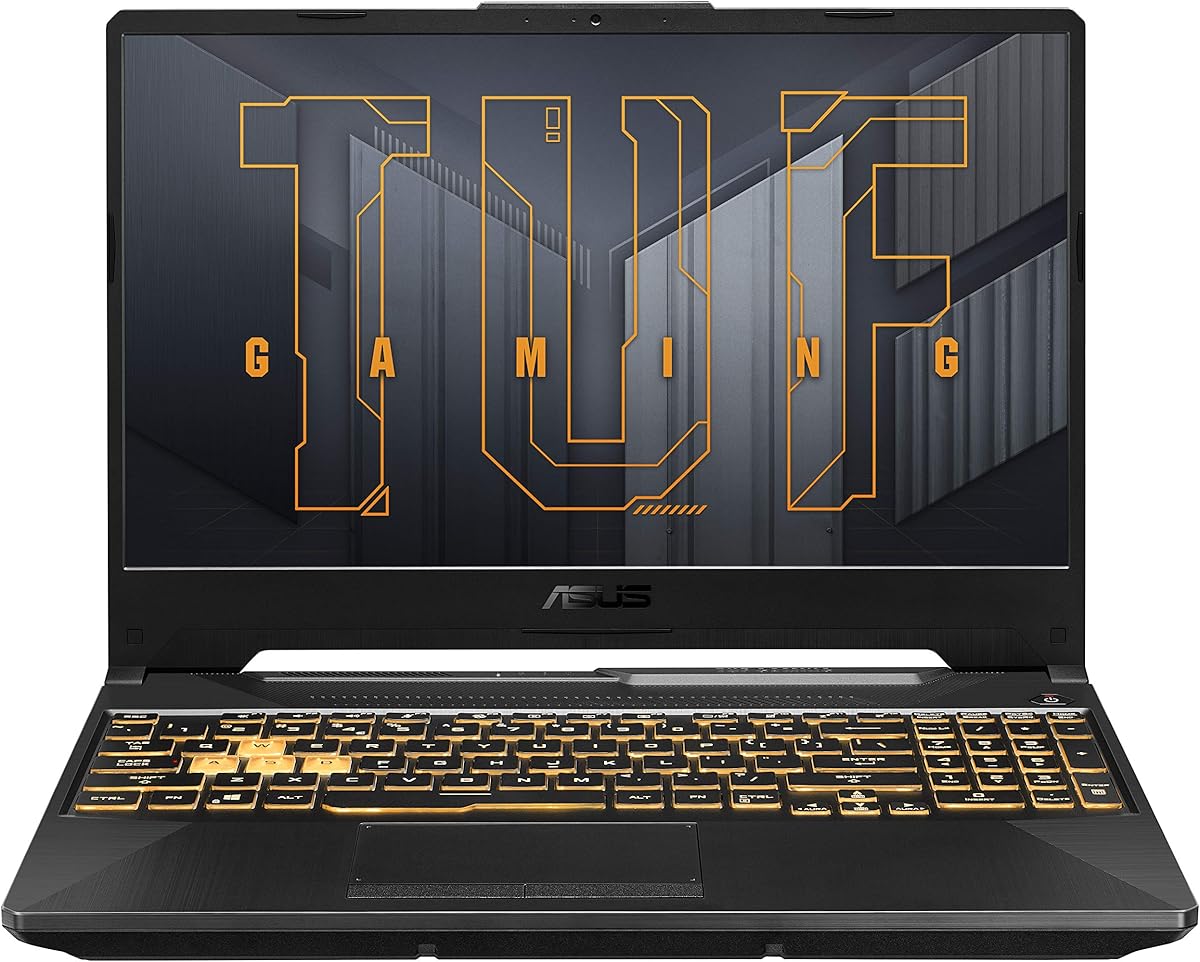


This model balances power and portability effectively, earning a strong 4.4 rating from users who value reliability. It handles modern titles smoothly thanks to the RTX 4050 running at full wattage.
We may earn a commission when you buy through this link, at no additional cost to you.
The 16-inch display offers a spacious 16:10 aspect ratio with Adaptive-Sync reducing screen tearing during fast gameplay. The chassis meets MIL-STD-810H standards, ensuring it can withstand travel and daily wear.
Cooling is managed by Arc Flow Fans and five heat pipes, keeping noise levels reasonable even during intensive sessions. However, the 512GB SSD might require external storage for large game libraries.
It is ideal for gamers seeking a durable machine without paying premium prices. Consider external storage solutions if you plan to install many AAA titles locally.
The chassis undergoes rigorous testing to ensure resistance to drops, vibration, and extreme temperatures.
The IPS panel covers 100% sRGB, providing vibrant and accurate colors for games and media consumption.
We may earn a commission when you buy through this link, at no additional cost to you.
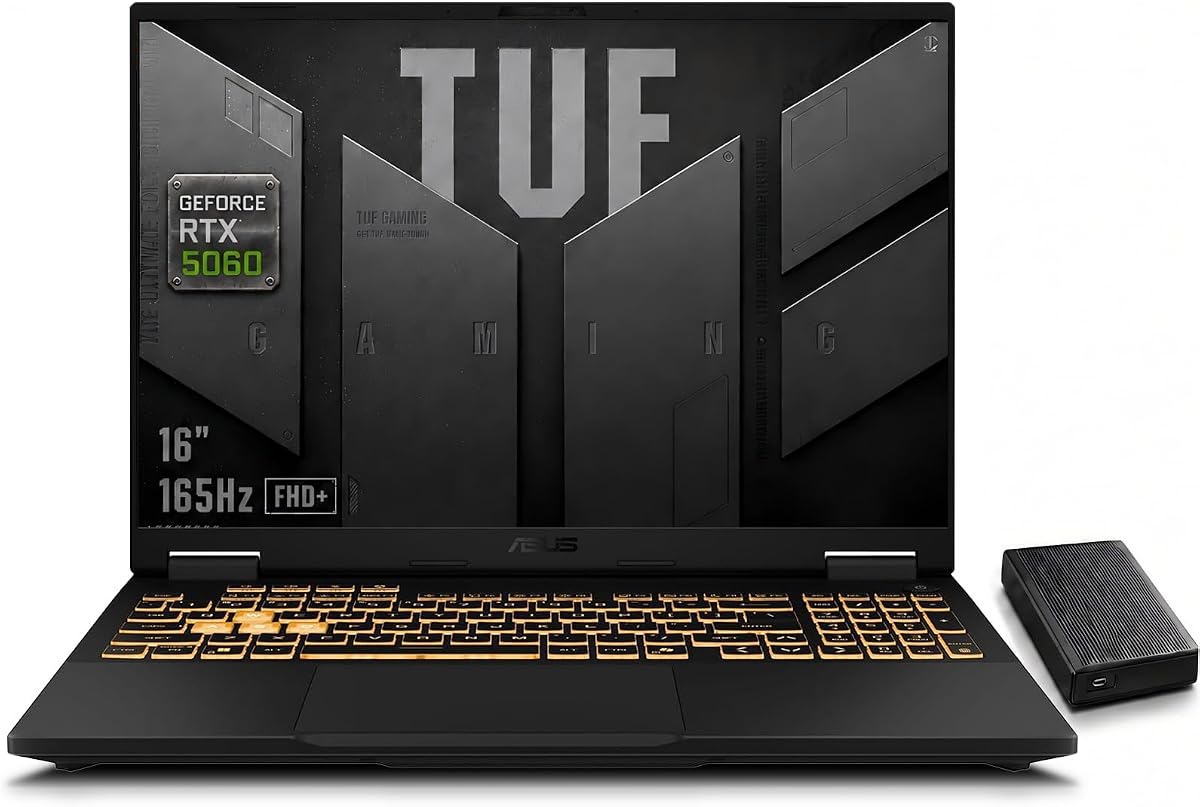
With a perfect 5.0 rating, this 2025 model offers cutting-edge performance for demanding workloads and gaming. The RTX 5060 provides significant improvements in ray tracing and AI upscaling technologies.
We may earn a commission when you buy through this link, at no additional cost to you.
The 165Hz screen ensures fluid motion in competitive shooters, while the Core i7-14650HX processor handles streaming and editing tasks simultaneously without bottlenecks. Cooling remains efficient even under heavy loads.
Storage is ample with a 1TB SSD, reducing the need for immediate upgrades. The inclusion of an external HDD expands capacity further, though it adds to the overall portability equation.
This laptop is perfect for creators and serious gamers who need top-tier specs. It represents a substantial leap forward in capabilities compared to previous generations.
The 115W TGP ensures the GPU runs at full power for maximum frame rates and rendering speeds.
A 165Hz refresh rate minimizes motion blur, giving you a competitive edge in fast-paced games.
We may earn a commission when you buy through this link, at no additional cost to you.
Rating 4.3, this version offers a great entry point into high-performance gaming. It shares the same powerful GPU and display as more expensive models but cuts costs on memory and storage.
We may earn a commission when you buy through this link, at no additional cost to you.
The Core 5 210H paired with the RTX 4050 delivers smooth 1080p gaming. However, the 8GB RAM may become a bottleneck if you have many browser tabs open while gaming.
Users should plan to upgrade the RAM for better long-term performance. The chassis remains robust, ensuring reliability even at this lower price tier.
It is an excellent choice for students or casual gamers on a tight budget. Prioritize adding more RAM if you need to run heavy productivity software alongside games.
You get most of the premium features without paying for top-tier processor speeds or extra memory.
The 144Hz display with 100% sRGB ensures rich colors and smooth gameplay visuals.
We may earn a commission when you buy through this link, at no additional cost to you.
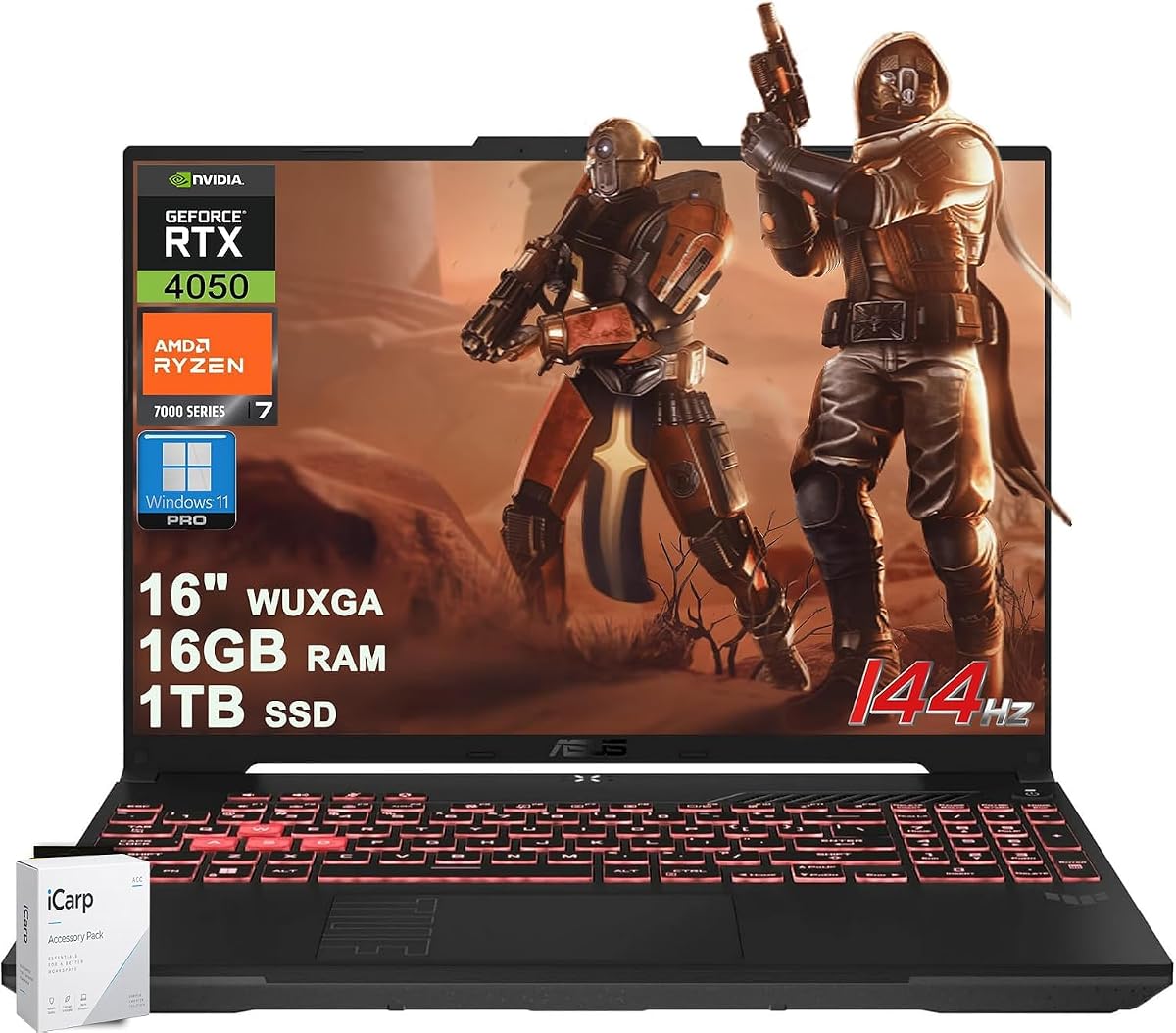
With a 4.2 rating, this AMD-powered model provides a compelling alternative to Intel-based systems. The Ryzen 7 7445HS offers strong multi-core performance suitable for editing and gaming.
We may earn a commission when you buy through this link, at no additional cost to you.
It comes with 1TB storage and USB4 support, which allows for fast external data transfers and high-speed docking. The AI noise cancellation helps during calls and streams.
Windows 11 Pro is included, offering features beneficial for business users. However, availability of optimization tools may be narrower compared to mainstream Windows Home variants.
Choose this model if you prefer AMD architecture or need Pro features. The included storage and connectivity make it a robust workhorse for mixed usage.
USB4 ports enable high-speed data transfer and support for external high-resolution displays.
Windows 11 Pro adds security and management features that benefit business or remote users.
We may earn a commission when you buy through this link, at no additional cost to you.
Rating a perfect 5.0, this variant is built for power users who need maximum multitasking ability. The 32GB RAM ensures smooth switching between gaming, virtual machines, and video editing.
We may earn a commission when you buy through this link, at no additional cost to you.
The RTX 5060 GPU supports DLSS 4 and advanced ray tracing for realistic visuals. G-SYNC on the screen eliminates tearing, while Thunderbolt 4 offers versatile connectivity options.
Battery life will be shorter under heavy loads, but performance never compromises. The 1080p webcam improves call quality significantly compared to older models.
This is the definitive choice for professionals or enthusiast gamers. If you need to run heavy software without stuttering, this configuration delivers unmatched reliability.
32GB of DDR5 allows running multiple VMs or editing 4K video without slowdown.
G-SYNC ensures that the screen refresh rate matches the GPU output for smooth visuals.
We may earn a commission when you buy through this link, at no additional cost to you.
With a 4.2 rating, this compact model stands out for its high-resolution display and efficient AI capabilities. The unified memory design allows the system to dynamically allocate resources for better efficiency.
We may earn a commission when you buy through this link, at no additional cost to you.
It features a crisp WQXGA screen ideal for creative work and media consumption. The Copilot+ PC designation indicates strong AI integration for productivity tools.
Note that this model relies on integrated graphics, which may limit heavy gaming performance. However, it excels at light gaming and demanding productivity tasks.
Ideal for travelers who need a high-quality display and AI tools in a portable form. Consider your gaming needs before committing to integrated graphics over dedicated GPUs.
The WQXGA panel provides sharp text and detailed visuals for creative and professional tasks.
Unified memory design dynamically shifts resources between system RAM and graphics tasks as needed.
We may earn a commission when you buy through this link, at no additional cost to you.
Rated 4.1, this model offers a traditional 15.6-inch form factor with decent specs for casual gaming. The RTX 3050 handles modern titles at lower settings efficiently.
We may earn a commission when you buy through this link, at no additional cost to you.
The 16GB RAM ensures smooth multitasking for daily tasks and light gaming. Adaptive-Sync on the display reduces tearing, improving the overall visual experience.
Build quality remains consistent with military-grade standards, ensuring durability. However, the GPU may struggle with high settings in demanding titles.
This is suitable for casual gamers or students needing a reliable all-rounder. It provides a balance of features without the high cost of top-tier models.
The 15.6-inch chassis fits comfortably on desks and offers familiar ergonomics for most users.
Adaptive-Sync ensures the monitor refresh rate matches the GPU output to prevent visual artifacts.
We may earn a commission when you buy through this link, at no additional cost to you.
Rating a perfect 5.0, this model excels in connectivity options for peripherals and external displays. The inclusion of Thunderbolt 4 offers versatile docking and data transfer capabilities.
We may earn a commission when you buy through this link, at no additional cost to you.
It features a robust 165Hz display and 32GB RAM, ensuring smooth performance for multitasking and creative workflows. The keyboard offers single-zone RGB lighting for aesthetics.
Storage is ample with a 1TB SSD, though it has no optical drive. Users may need dongles for older HDMI or USB devices depending on their peripherals.
Perfect for power users needing extensive connectivity options. The high refresh rate and specs make it ideal for both gaming and professional content creation tasks.
Thunderbolt 4 supports power delivery and data transfer, simplifying external device connections.
A 165Hz refresh rate ensures fluid motion in competitive games and fast-paced applications.
We may earn a commission when you buy through this link, at no additional cost to you.
With a 4.8 rating, this model balances performance and practicality well. The Ryzen 7 processor handles demanding tasks efficiently, making it suitable for professional workflows.
We may earn a commission when you buy through this link, at no additional cost to you.
It features Windows 11 Pro, which is beneficial for users needing advanced security and domain features. The 16-inch screen provides a comfortable workspace for multitasking.
The 512GB SSD is fast but might require external storage for large media libraries. Overall, it is a reliable machine for mixed use cases.
Choose this for professional use that also handles gaming well. The Pro OS and strong CPU make it a versatile choice for hybrid work and leisure.
Windows 11 Pro offers advanced security and management tools for business or power users.
The 16-inch screen offers ample real estate for spreadsheets, video timelines, and game worlds.
We may earn a commission when you buy through this link, at no additional cost to you.
Rated 5.0, this model represents a complete package for users needing maximum storage and memory. The RTX 5060 delivers high performance, and the 32GB RAM supports intensive multitasking.
We may earn a commission when you buy through this link, at no additional cost to you.
Cooling technology maintains stable performance during long sessions, reducing throttling. The combination of 1TB internal and external storage ensures you never run out of space.
It is a bit bulkier due to the external drive inclusion. However, for users who need a mobile workstation with massive capacity, it is hard to beat.
Best for creators and gamers needing significant storage space. If you manage large video files or extensive game libraries, this setup offers the most convenience.
Intelligent cooling adapts fan speeds based on workload to maintain performance without noise.
With 1TB internal and an external drive, you have ample space for extensive media libraries.
We may earn a commission when you buy through this link, at no additional cost to you.
Selecting the right TUF laptop requires weighing performance needs against portability and budget constraints. This guide breaks down the critical factors to ensure you find the perfect fit.
The Core i7-14650HX offers significantly higher multi-core speeds than the Core 5 210H. Choose the HX series for heavy multitasking or video editing tasks.
For general gaming and school work, the Core 5 processor is sufficient and helps lower the overall cost of the device.
RTX 5060 models deliver superior ray tracing and DLSS performance compared to the RTX 4050 or 3050 variants. Look for high TGP ratings for maximum frame rates.
The RTX 4050 is a balanced option for 1080p gaming at medium to high settings without breaking the bank or demanding too much power.
Modern games and applications benefit from at least 16GB of RAM, but 32GB provides headroom for creative professionals. DDR5 RAM ensures faster data transfer speeds.
If you plan to run virtual machines or edit 4K video, prioritize models with 32GB installed to avoid performance bottlenecks during peak usage.
Refresh rates range from 144Hz to 165Hz, with higher rates providing smoother motion in competitive shooters. Ensure the panel covers 100% sRGB for accurate color reproduction.
A 16:10 aspect ratio offers more vertical space for productivity, making it better for coding or browsing compared to standard 16:9 panels.
All TUF models meet MIL-STD-810H standards, ensuring resistance to drops, vibration, and extreme temperatures. This makes them ideal for students or travelers.
Check the hinge design and port placement to ensure they suit your setup. Some models offer more robust chassis construction depending on the specific sub-series.
SSD speeds vary by generation, but 1TB is becoming standard in higher-end models. PCIe Gen 4 SSDs load games faster than older Gen 3 options.
Consider models with M.2 slots for future expansion if you start with 512GB storage. External drives are useful if you need massive archives for media libraries.
Thunderbolt 4 and USB4 ports offer high-speed data transfer and support for external GPUs or multiple monitors. Check if your peripherals match these standards.
Wi-Fi 6E provides lower latency and faster connection speeds compared to older Wi-Fi 5 standards. Ensure your router supports these features for optimal performance.
Arc Flow Fans and intelligent cooling systems maintain performance during long sessions. Look for models with multiple heat pipes and exhaust vents.
Effective thermal management prevents throttling, which ensures consistent frame rates. A quiet cooling system is also crucial for enjoying movies or working in shared spaces.
Always place the laptop on a hard, flat surface to allow air to circulate through the exhaust vents. Using it on soft fabrics like beds or carpets can trap heat and cause thermal throttling.
Keep the keyboard and touchpad clean by using a microfiber cloth regularly. Avoid eating over the keyboard to prevent crumbs from falling into the vents or under the keys.
Update drivers through the ASUS Armoury Crate software to ensure optimal performance. Check for BIOS updates periodically to fix bugs and improve system stability.
Yes, the TUF series offers powerful processors and reliable build quality that suits both gaming and professional tasks. Models with 32GB RAM and Pro operating systems are particularly well-suited for creators.
Most TUF F16 models feature accessible RAM slots that allow for upgrades. Check the specific manual for your model to confirm how many slots are available before purchasing.
Many TUF models feature 100% sRGB coverage and IPS panels that provide accurate colors for photo and video editing. Higher-end models may offer better calibration out of the box.
Battery life varies by usage but typically lasts 4 to 6 hours for general tasks. Gaming sessions drain the battery quickly, so you should expect to keep the charger nearby.
Most standard models ship with Windows 11 Home, while select variants offer Windows 11 Pro. Check the product title carefully to ensure you get the version with the features you need.
Typically, these laptops come with a standard one-year warranty covering manufacturing defects. Some authorized sellers may offer additional protection plans or extended warranties at an extra cost.
We have explored ten diverse models ranging from budget-friendly options to high-end performance machines. Whether you need raw power for video editing or a portable rig for travel, there is a fit for you.
Prioritize the CPU and GPU combination that matches your specific workload. A balanced system with adequate RAM often provides a better long-term experience than a maxed-out GPU with limited memory.
Always verify current availability and warranty terms before purchasing as configurations can change quickly. Check the specific page for any updates on stock or bundle offers.