
Hprosper 2K Webcam
4.2Editor score
Automatic light correction
Privacy cover included
Plug and play setup
Compare the top 2K Hd Webcam under 50 models for clarity, audio, and privacy features to find the perfect video call camera for your home office setup.
Finding the right video communication tool is essential for remote work and online learning. A high quality webcam ensures you look professional and connect clearly with colleagues, classmates, and family members from anywhere in the world.
We analyzed ten top rated models that deliver sharp 2K resolution without breaking the bank. Each entry was evaluated on image clarity, microphone performance, build quality, and ease of setup to provide a reliable shortlist for buyers.
Every selection below highlights specific strengths to help you match a camera to your unique needs. Note that availability and pricing can shift over time, so always verify current offers before completing your purchase decision.
4.2Editor score

4.5Editor score

4.4Editor score
This side by side comparison outlines the core specifications and key capabilities of each selected model to help you quickly identify which device fits your specific workflow and hardware requirements.
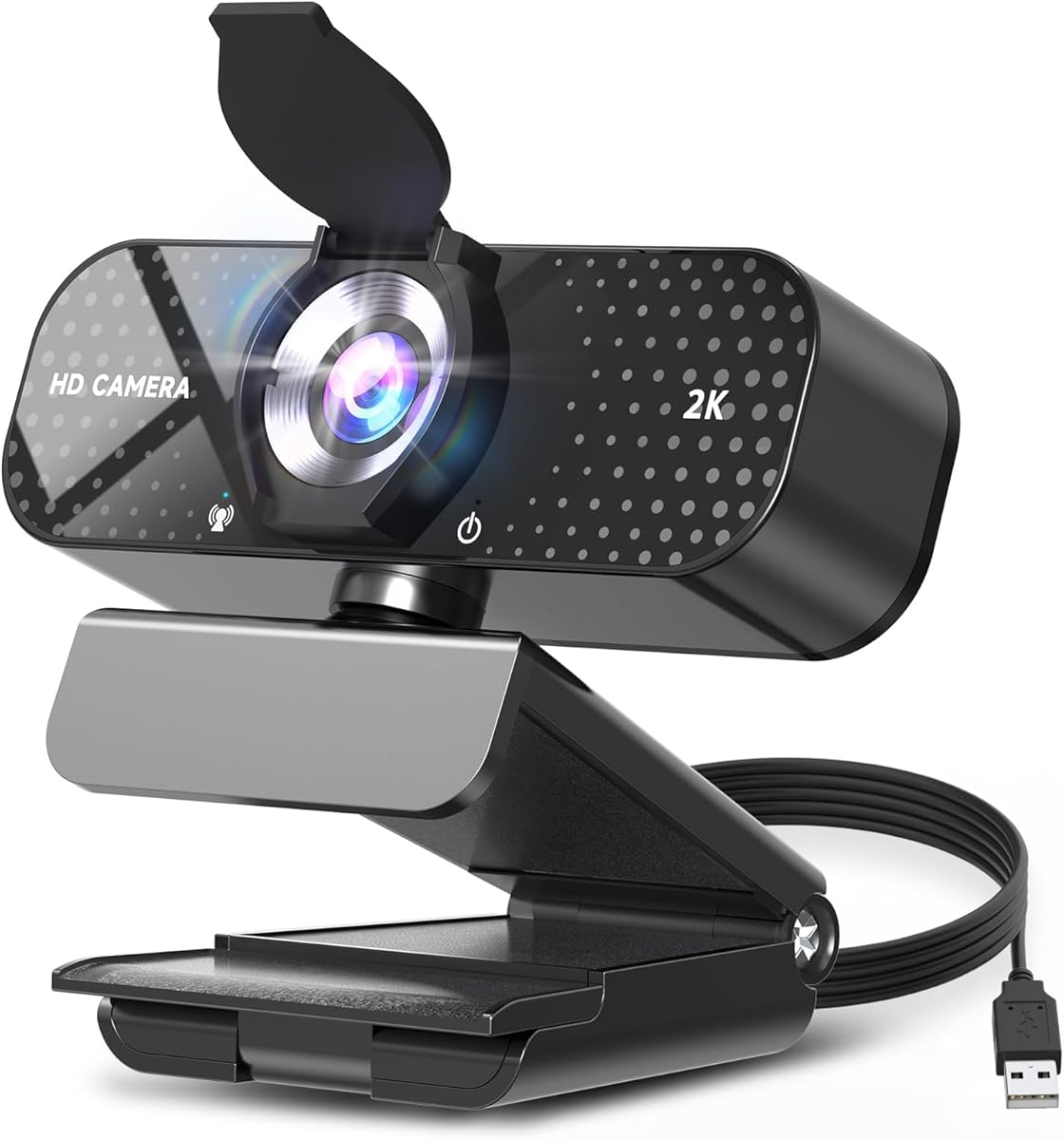

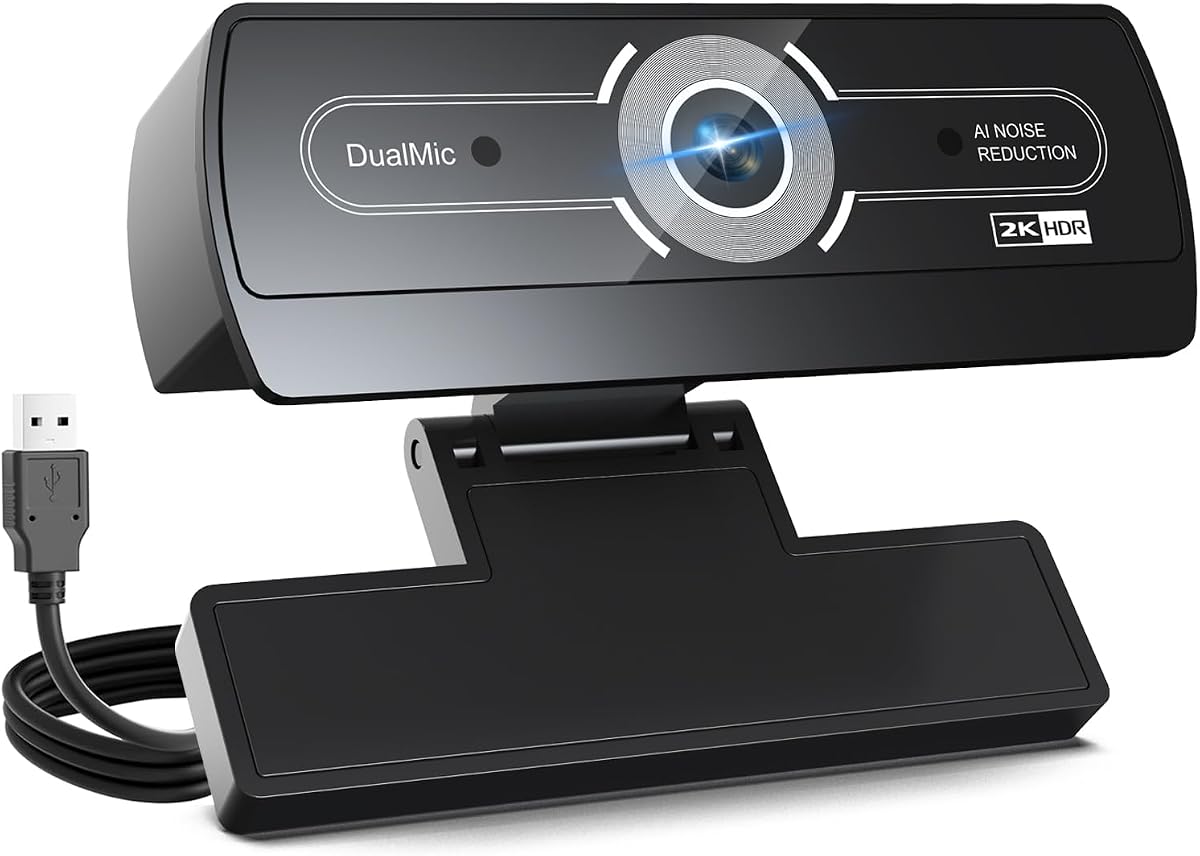
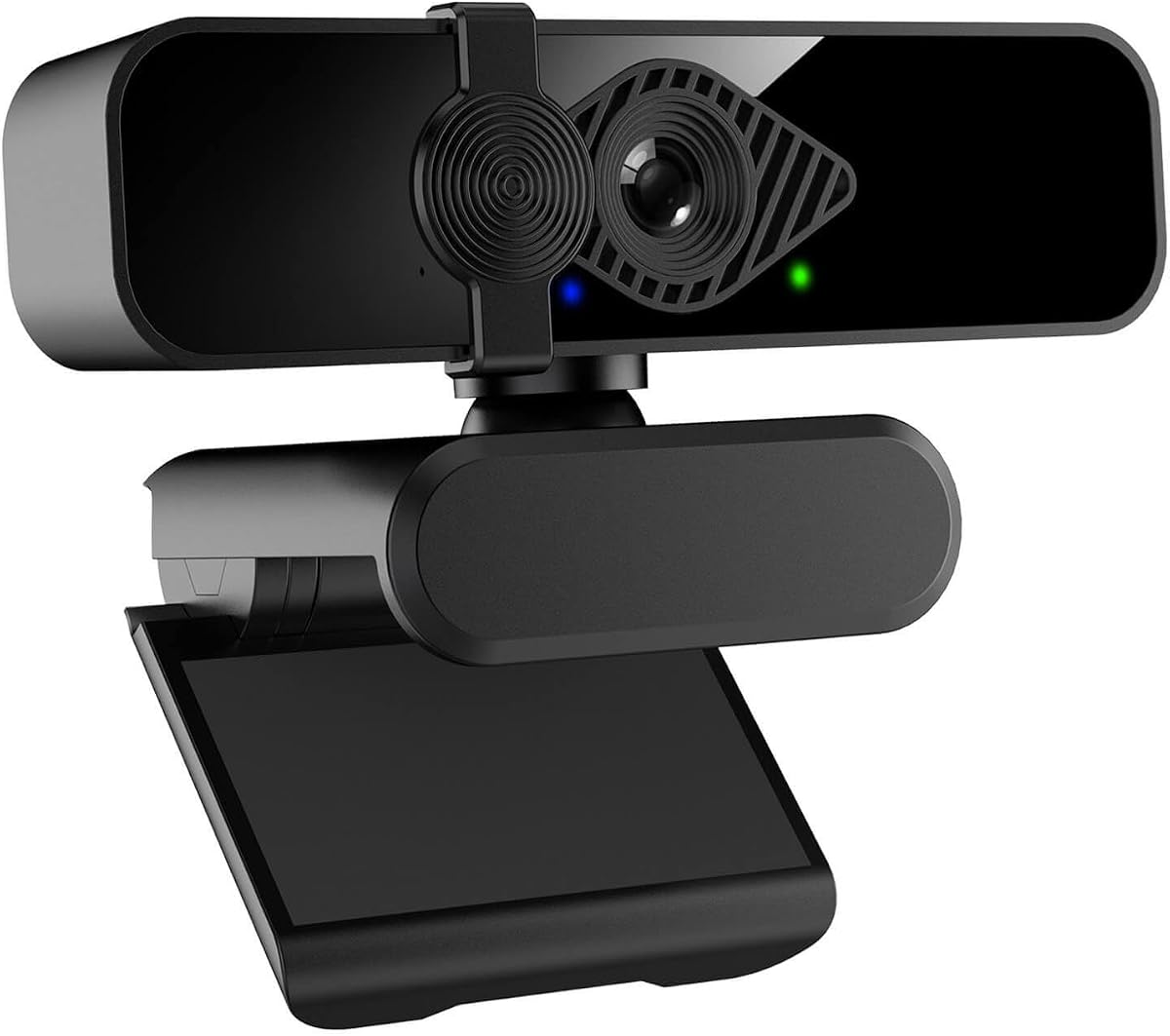


The UGREEN 2K Webcam stands out as a top performer for users needing crisp visuals without premium pricing. With a 4 MP sensor, it delivers clear detail during meetings and streaming sessions.
We may earn a commission when you buy through this link, at no additional cost to you.
Its dual microphones capture sound effectively while reducing background noise. The auto-adjust light feature ensures you look good even in dimly lit rooms.
While it lacks autofocus, the fixed focus works well for standard desk setups. The privacy cover provides essential security when the camera is not active.
This camera is ideal for professionals seeking reliable performance and wide compatibility across platforms like Zoom and Teams.
The upgraded 2K 30FPS resolution captures facial expressions and documents with high fidelity, enhancing communication quality.
Integrated microphones minimize ambient noise, ensuring your voice remains clear during group calls or presentations.
We may earn a commission when you buy through this link, at no additional cost to you.
Hprosper offers an excellent entry point for those needing 2K resolution on a strict budget. The camera delivers crisp images and smooth video at 30fps.
We may earn a commission when you buy through this link, at no additional cost to you.
Automatic light correction balances brightness effectively even in challenging lighting. The included privacy cover adds a layer of security for home offices.
While build quality is simple, functionality remains solid for daily calls. The 360 degree rotation allows flexible positioning for different setups.
Ideal for students and casual users who prioritize cost and essential video quality over advanced features.
Despite the low price, the 2K resolution provides clear visuals that exceed standard HD expectations.
The wide-angle lens captures more of your room, making it suitable for small group meetings.
We may earn a commission when you buy through this link, at no additional cost to you.
This model distinguishes itself with PDAF autofocus technology that keeps you sharp even when moving. It offers studio-quality clarity for serious streaming or teaching.
We may earn a commission when you buy through this link, at no additional cost to you.
The dual-mic array with a dedicated chip filters out keyboard clicks and fan noise effectively. A 6.6ft cable provides flexibility for desktop setups.
The included privacy cover ensures hardware-level security. It works seamlessly across major platforms and operating systems.
Best suited for content creators or professionals who need consistent focus and high audio fidelity during live sessions.
PDAF ensures quick locking on your face, eliminating the blur hunting common in cheaper webcams.
Hardware-based noise cancellation delivers clean voice transmission, reducing the need for post-processing.
We may earn a commission when you buy through this link, at no additional cost to you.
TRAUSI excels in lighting management, automatically adapting to bright or dim environments. This ensures consistent visual quality without manual tweaking.
We may earn a commission when you buy through this link, at no additional cost to you.
The noise-canceling mic ensures your voice stands out during calls. The wide-angle lens helps capture more context for streaming or teaching.
Eco-conscious materials reflect a commitment to sustainability. The privacy shield offers quick physical protection when needed.
Great for users in variable lighting conditions who want reliable plug-and-play performance without complex settings.
Auto light correction dynamically adjusts color temperature and brightness to maintain optimal visual quality.
Eco-friendly design uses energy-efficient tech to minimize environmental impact during manufacturing and use.
We may earn a commission when you buy through this link, at no additional cost to you.
The EMEET C100 features a durable metal clip that holds securely on monitors without slipping. It provides a clean, integrated setup for daily use.
We may earn a commission when you buy through this link, at no additional cost to you.
Rotating privacy cover adds security while keeping design compact. Custom software allows adjustments to brightness and saturation for better image quality.
The integrated cable keeps your workspace neat. It supports tripod setups via a 1/4 thread for flexible positioning.
Ideal for office workers needing reliable hardware that withstands frequent movement and offers physical security features.
The metal base clip provides a firm grip on screens, ensuring stable positioning during use.
Software control allows precise tuning of exposure and saturation to match your specific lighting needs.
We may earn a commission when you buy through this link, at no additional cost to you.
XOCLON delivers pure 2K resolution without interpolation, offering sharp visuals for business meetings. The 92 degree field of view captures more of your environment.
We may earn a commission when you buy through this link, at no additional cost to you.
PDAF autofocus ensures you stay sharp during movement. Dual AI mics focus on your voice to improve call clarity.
The compact design does not obstruct displays. It is plug-and-play ready for quick setup.
Good for users wanting wider framing and autofocus at an accessible price point.
The camera captures true 2560×1440 resolution for cinematic precision in virtual meetings.
A 92 degree angle ensures you capture your workspace or presentation area without moving the camera.
We may earn a commission when you buy through this link, at no additional cost to you.
This model offers exceptional flexibility with 360 degree rotation and a tilt stand. It captures details clearly with 2K resolution and smooth 30fps video.
We may earn a commission when you buy through this link, at no additional cost to you.
The movable privacy cover protects your lens when not in use. It works with most major software platforms seamlessly.
The extendable base allows versatile placement on monitors or desks. Noise reduction microphone ensures clear communication.
Suitable for users needing flexible positioning options for different camera angles and setups.
Full rotation capability allows you to position the camera exactly where needed for unique angles.
An extendable base opens to 180 degrees providing stability for various monitor types.
We may earn a commission when you buy through this link, at no additional cost to you.
With a high rating, this model delivers detailed visuals capturing facial textures and contours well. Dual noise reduction merges hardware and AI for clear audio.
We may earn a commission when you buy through this link, at no additional cost to you.
The detachable privacy cover offers essential security. It works seamlessly across PCs, laptops, and smart TVs.
Support is available for after-sales issues. It requires no driver installation for easy setup.
Ideal for streamers and users prioritizing high image quality and noise filtering capabilities.
Captures facial textures and fine print with stunning clarity thanks to high pixel density.
Merges hardware infrared filters with AI software to scrub ambient interference and pixel noise.
We may earn a commission when you buy through this link, at no additional cost to you.
This model supports crisp images with manual focus control. It features a gooseneck stand for effortless angle positioning.
We may earn a commission when you buy through this link, at no additional cost to you.
The document camera mode allows sharing teaching materials clearly. Advanced noise-canceling mic ensures clear voice transmission.
Physical sliding cover protects the lens effectively. It supports USB 2.0 and 3.0 interfaces.
Great for educators or professionals needing precise control and document sharing capabilities.
Manual focus allows precise tuning to ensure critical details remain sharp during presentations.
Captures detailed images of documents ideal for scanning or sharing hand-drawn illustrations.
We may earn a commission when you buy through this link, at no additional cost to you.
This webcam delivers sharp resolution capturing every facial texture and object contour. Dual noise reduction keeps video crisp even in dim lighting.
We may earn a commission when you buy through this link, at no additional cost to you.
Detachable privacy cover provides physical security. It works seamlessly with PCs, tablets, and smart TVs.
Support is available through direct contact. No driver installation is required for setup.
Suitable for users needing reliable high-resolution video and easy setup.
Eliminates blurs and jagged edges ensuring lifelike imagery during conferences or streaming.
Processes multiple frames to smooth digital noise keeping footage pristine in challenging conditions.
We may earn a commission when you buy through this link, at no additional cost to you.
Selecting the right camera involves balancing resolution, microphone quality, and build durability. This guide outlines the essential factors to consider before buying.
Look for models offering true 2K resolution (2560×1440) for clear details. Some models interpolate 1080p to appear higher, so verify sensor quality.
Prioritize 2K resolution to ensure your face and background are captured sharply without pixelation.
Dual microphones with noise-canceling chips provide clearer audio than built-in laptop mics. Check for hardware-based noise reduction.
Choose microphones with dedicated chips to minimize background distractions like keyboard clicks or fan noise.
A 90-degree or wider field of view captures more context for meetings. Narrow views may crop out whiteboards or group settings.
Select a wider FOV to ensure you capture everything in your workspace during virtual interactions.
PDAF or autofocus keeps you sharp when moving. Fixed focus is cheaper but may blur if you step back.
Prioritize autofocus if you move frequently during calls or need to focus on documents.
Physical privacy covers block the lens when not in use. This hardware security is superior to software disabling.
Ensure the model includes a sliding cover to protect your privacy instantly.
Metal clips or durable plastics ensure stability. Avoid flimsy mounts that slip off monitors during use.
Check for metal clips or sturdy bases to prevent the camera from falling.
USB 2.0 is standard but USB 3.0 offers better bandwidth for high resolution. Longer cables provide placement flexibility.
Confirm the cable length and USB version match your computer ports and desk layout.
Verify support for your operating system and platforms like Zoom or Teams. Cross-platform support ensures seamless setup.
Ensure the camera works with your specific OS and video conferencing software.
To begin, connect the USB cable directly to your computer port. Windows or macOS will automatically install drivers for plug-and-play use.
Use the software or app settings to adjust brightness and focus. Ensure your privacy cover is open before starting any call.
Clean the lens gently with a microfiber cloth to avoid scratches. Store the camera in a dry place when not in use.
2K resolution refers to a video output of 2560×1440 pixels. It offers sharper details and better clarity than standard 1080p HD.
Most models listed are plug-and-play and do not require drivers. Simply plug the USB cable in, and your system will detect it automatically.
A physical slider covers the lens when not in use. This provides hardware-level security to prevent unauthorized viewing without software reliance.
It depends on your needs. If you move a lot, autofocus helps. If you stay seated, fixed focus is sufficient and often cheaper.
Yes, most models support both macOS and Windows. Check the product details to ensure compatibility with your specific OS version.
Natural light from a window facing you works best. Avoid strong backlighting which can make you appear dark on camera.
Our top picks include the UGREEN 2K Webcam for overall performance and Hprosper for budget buyers. Each model balances clarity and cost effectively.
Prioritize microphone quality and privacy covers if you work in shared spaces. Autofocus is a valuable feature for active users.
Check current prices and availability before purchasing as these deals can change quickly. Select the option that fits your workspace needs best.