
ASUS ProArt PA32QCV
3.9Editor score
Factory calibrated color
Dual Thunderbolt 4 ports
MacBook color matching
This guide compares the top 32 Inch 6K Monitors for professionals and gamers, highlighting resolution, color accuracy, connectivity, and performance features.
Finding the right display for your workspace requires careful consideration of resolution and color accuracy. These 32 Inch 6K Monitors offer exceptional clarity for creative work and demanding tasks.
We evaluated each model based on panel technology, connectivity options, and ergonomic design. Our list covers the most reliable options available for professionals seeking high fidelity screens.
Each pick highlights specific strengths like Thunderbolt support or gaming refresh rates. Note that prices and availability may change, so verify current listings before purchasing your next display.
3.9Editor score

3.8Editor score

3.7Editor score
The following table provides a side-by-side comparison of all ten models to help you identify the best fit for your specific workflow needs.


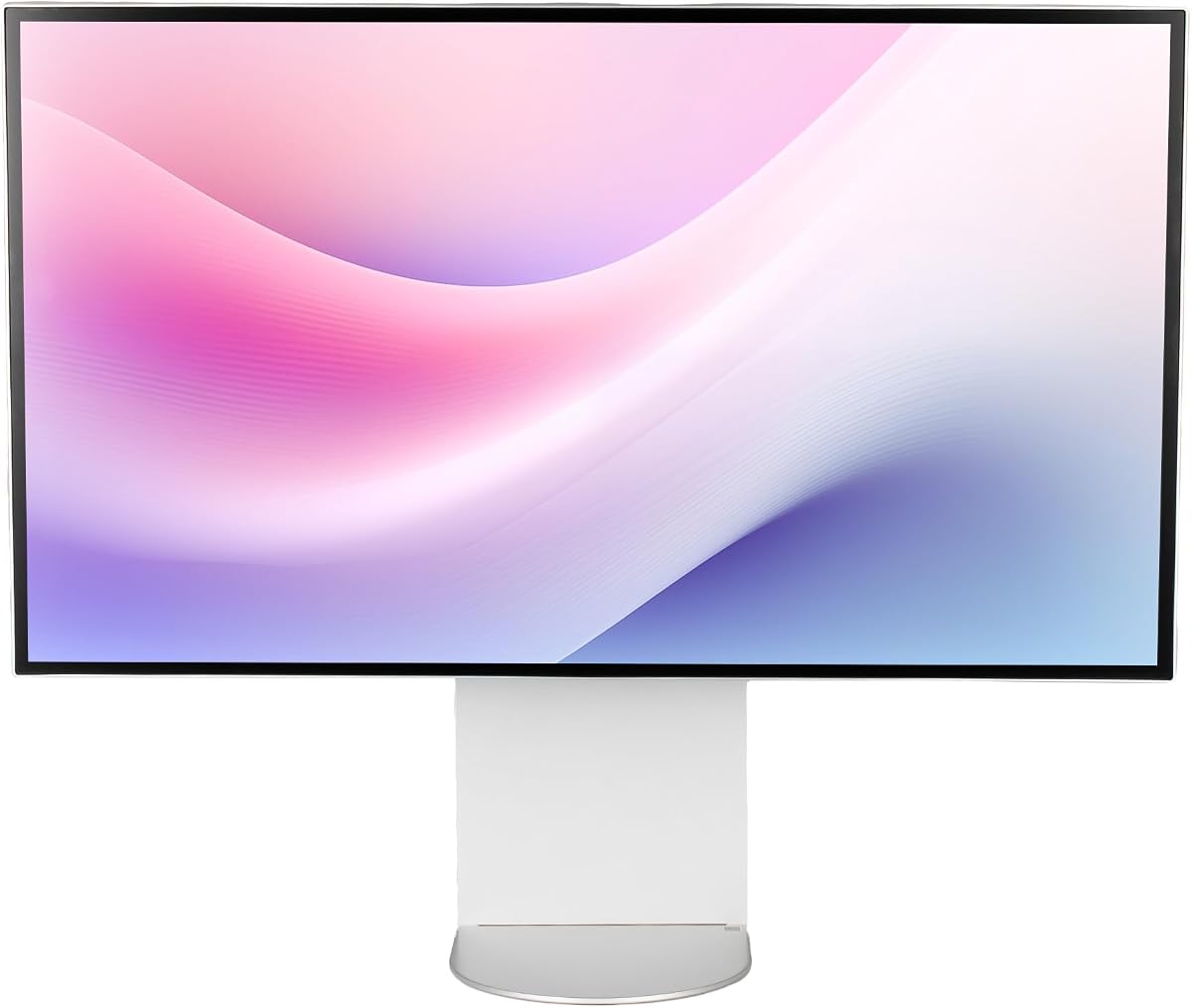
This monitor stands out as a top contender for professional work. It offers a 6K resolution that provides over 156 percent more pixels than standard 4K displays.
We may earn a commission when you buy through this link, at no additional cost to you.
The Thunderbolt 5 connectivity ensures ultra-fast transfer speeds and supports 6K daisy chaining for multi-monitor setups. This makes it ideal for creators managing complex workflows.
While it is not designed for high refresh rate gaming, the displayHDR 600 and Nano IPS Black panel deliver deep blacks and vibrant colors suitable for grading.
Professionals seeking a high-fidelity display for video editing or design will find this monitor meets their demands for precision and clarity.
Thunderbolt 5 enables seamless data transfer and power delivery through a single cable for simplified desk management.
Real 10-bit color depth ensures smooth tonal transitions for critical color work across various media types.
We may earn a commission when you buy through this link, at no additional cost to you.
The ASUS ProArt line is known for its commitment to color accuracy. This model includes factory calibration and a special preset for MacBook displays.
We may earn a commission when you buy through this link, at no additional cost to you.
It features Dual Thunderbolt 4 ports with power delivery and daisy-chaining capabilities. This flexibility is essential for users connecting multiple peripherals or monitors.
The inclusion of a five-year warranty adds peace of mind for professionals relying on their equipment for daily business operations.
If color consistency is your priority, this monitor delivers reliable results that match industry standards out of the box.
MacBook color matching mode ensures your external display looks identical to your laptop screen.
Extended warranty protection covers you for five years ensuring long-term reliability for your investment.
We may earn a commission when you buy through this link, at no additional cost to you.
Samsung introduces a unique option with Dual Mode technology. Users can switch between high resolution for work and high refresh rates for action.
We may earn a commission when you buy through this link, at no additional cost to you.
This versatility makes it stand out among other 6K monitors that are often locked to 60Hz refresh rates for static content.
The Fast IPS panel ensures quick response times which reduces motion blur during fast-paced tasks or gameplay sessions.
For those who need both professional clarity and gaming performance this model offers a compelling compromise at a competitive price.
Toggle between 6K resolution for clarity and 3K for speed without needing multiple displays.
G-Sync compatibility eliminates tearing ensuring smooth visuals during intense gaming or interactive sessions.
We may earn a commission when you buy through this link, at no additional cost to you.
Dell focuses on practicality with this model. It includes a built-in webcam which simplifies desk clutter for remote workers.
We may earn a commission when you buy through this link, at no additional cost to you.
The 450 Nit brightness ensures content remains visible even in well-lit office environments without eye strain or glare.
USB Type-C connectivity allows for quick data transmission and charging making it a versatile hub for laptops and tablets.
This monitor is well-suited for administrative tasks and general office use where clarity and convenience are key priorities.
Built-in webcam reduces the need for external peripherals keeping your workspace organized and tidy.
High brightness levels maintain image clarity even in bright rooms or near windows.
We may earn a commission when you buy through this link, at no additional cost to you.
This bundle offers the LG UltraFine monitor along with essential maintenance tools. It is ideal for users who want a complete setup out of the box.
We may earn a commission when you buy through this link, at no additional cost to you.
The KVM functionality allows control of two computers with one keyboard and mouse which boosts efficiency in multi-system environments.
With a higher rating than the standalone model this bundle is highly appreciated by buyers who value the included accessories.
Consider this option if you want to minimize additional purchases and get a ready-to-use professional display.
Includes cable ties and cleaning kit to help you maintain your screen and manage cables.
Built-in KVM lets you switch between PCs effortlessly saving time and desk space.
We may earn a commission when you buy through this link, at no additional cost to you.
The G32X focuses on a clean and modern aesthetic with its minimalist design. It features a CNC-machined aluminum body for durability.
We may earn a commission when you buy through this link, at no additional cost to you.
With a perfect 5.0 rating users report high satisfaction with its performance and visual quality for both work and entertainment.
It supports 100W power delivery allowing you to charge high-performance laptops via a single cable connection.
For those who prefer sleek hardware with no distractions this monitor provides a solid experience with excellent build quality.
CNC-machined aluminum ensures the monitor is durable and looks great in any setup.
Charge and display with one cable keeping your desk tidy and functional.
We may earn a commission when you buy through this link, at no additional cost to you.
This model features a glossy screen that enhances color vibrancy and sharpness for visual tasks. It is designed without a stand for flexible mounting options.
We may earn a commission when you buy through this link, at no additional cost to you.
The honeycomb cooling system helps maintain performance by dissipating heat efficiently during long usage sessions.
With a high PPI count the text and images appear incredibly sharp making it suitable for detailed design work.
Buyers looking for a high-fidelity display to mount on an arm will appreciate the quality and unique cooling design.
A glossy finish improves color depth and clarity for media consumption and design work.
Honeycomb design ensures the monitor stays cool under heavy loads.
We may earn a commission when you buy through this link, at no additional cost to you.
This bundle includes a premium protection plan that covers the monitor for two years. It is designed for users who want extra security.
We may earn a commission when you buy through this link, at no additional cost to you.
The package comes with essential cables including Thunderbolt 4 and Mini DisplayPort reducing setup complexity.
It offers the standard Dell UltraSharp experience with high resolution and reliability for business environments.
Choosing this bundle provides peace of mind against potential hardware failures or accidental damage.
Two year protection plan helps cover costs of repairs or replacements.
Includes necessary cables so you can start using the monitor immediately.
We may earn a commission when you buy through this link, at no additional cost to you.
This monitor is unique as the world's first 6K touchscreen. It transforms your desk into a large digital canvas for creative professionals.
We may earn a commission when you buy through this link, at no additional cost to you.
The included active stylus offers low latency and high pressure sensitivity for precise drawing and annotation.
With a perfect 5.0 rating users are impressed by the clarity and responsiveness of the touch interface.
Artists and architects will find this display invaluable for sketching and presenting ideas directly on the screen.
Interact directly with content using touch or the included pressure-sensitive stylus.
Fold Stand allows you to switch between upright and flat tablet modes easily.
We may earn a commission when you buy through this link, at no additional cost to you.
This regional version of the LG Ultrafine offers core 6K capabilities without some premium connectors. It includes an adjustable stand with VESA support.
We may earn a commission when you buy through this link, at no additional cost to you.
The anti-glare panel helps maintain comfort during long viewing sessions by reducing reflections from ambient light sources.
It remains a solid choice for general professional use where cost and basic functionality are the main concerns.
For users needing specific connectivity options like Thunderbolt 5 this model may be limited but still delivers high resolution.
Adjustable stand allows for tilt and height adjustments to suit your viewing comfort.
Screen coating reduces glare ensuring better visibility in various lighting conditions.
We may earn a commission when you buy through this link, at no additional cost to you.
Selecting the right 32 Inch 6K monitor involves evaluating several key factors to match your workflow and budget.
6K resolution provides around 220 PPI on a 32 inch screen which renders text and images with extreme sharpness. This density reduces the need for scaling and allows you to see more content simultaneously.
Look for monitors with at least 6144 x 3456 pixels to ensure you are getting true 6K clarity.
IPS panels are common in 6K monitors because they offer wide viewing angles and accurate colors. Some models use Nano IPS or specialized coatings to improve contrast and black levels.
Consider IPS if you need color accuracy and wide viewing angles for creative work.
High resolution displays require robust bandwidth so look for Thunderbolt 4 or 5 for high speed data and video transfer. HDMI 2.1 or DisplayPort 2.1 are also important for newer GPUs.
Ensure your monitor supports your laptop or computer interface for a seamless connection.
Most 6K monitors are locked at 60Hz which is fine for productivity but not for gaming. Some gaming focused models offer dual modes allowing lower resolutions at higher refresh rates.
If you play games consider a model that supports higher refresh rates at 6K or offers a dual mode option.
For design work look for high coverage of color spaces like Adobe RGB and DCI-P3. Factory calibration with a low Delta E value ensures colors are accurate out of the box.
Prioritize models with factory calibration if color fidelity is critical to your work.
A good stand should offer height tilt and pivot adjustments to reduce neck strain. VESA mount compatibility is also useful if you want to use a third party arm.
Choose a monitor with full ergonomic adjustments for long hours of work.
Higher brightness levels help in bright environments and HDR support adds depth to media. DisplayHDR 600 is a common standard for professional monitors offering better contrast.
Check for at least 400 nits brightness and HDR certification if you view media often.
Professional monitors often come with extended warranties which are vital for business continuity. Check the terms for coverage on dead pixels and parts.
Opt for brands with strong support policies to protect your investment.
To ensure optimal performance clean your screen regularly with a soft microfiber cloth. Avoid harsh chemicals that can damage the anti-glare coating.
Adjust your stand settings to align the screen with eye level. This reduces neck strain and improves posture during long work sessions.
Calibrate your monitor periodically using software tools to maintain color accuracy. This ensures your content looks consistent across different devices.
Yes if you work with high resolution media or need detailed text clarity. The extra pixels improve productivity and visual fidelity significantly.
Yes running full 6K requires a capable graphics card. Older GPUs may struggle with display output at native resolution.
Some models offer higher refresh rates but many are limited to 60Hz. Check the refresh rate options before buying for gaming use.
You typically need Thunderbolt 4 or 5 and HDMI 2.1 or DisplayPort 2.1. Standard cables may not support the required bandwidth.
Look for daisy chaining support via Thunderbolt or DisplayPort. This allows multiple screens to connect via a single cable.
Most high end 6K monitors support Mac and Windows. Check for Thunderbolt 4 or 5 compatibility for best macOS integration.
Some professional models include factory calibration reports. External tools may still be needed for precise adjustments.
The LG 32U990A-S stands out for its Thunderbolt 5 speed and Nano IPS Black panel making it ideal for creatives.
Prioritize features like color accuracy and connectivity based on your specific workflow needs to find the best match.
Prices for these high resolution displays can vary so check current listings before making your final decision.