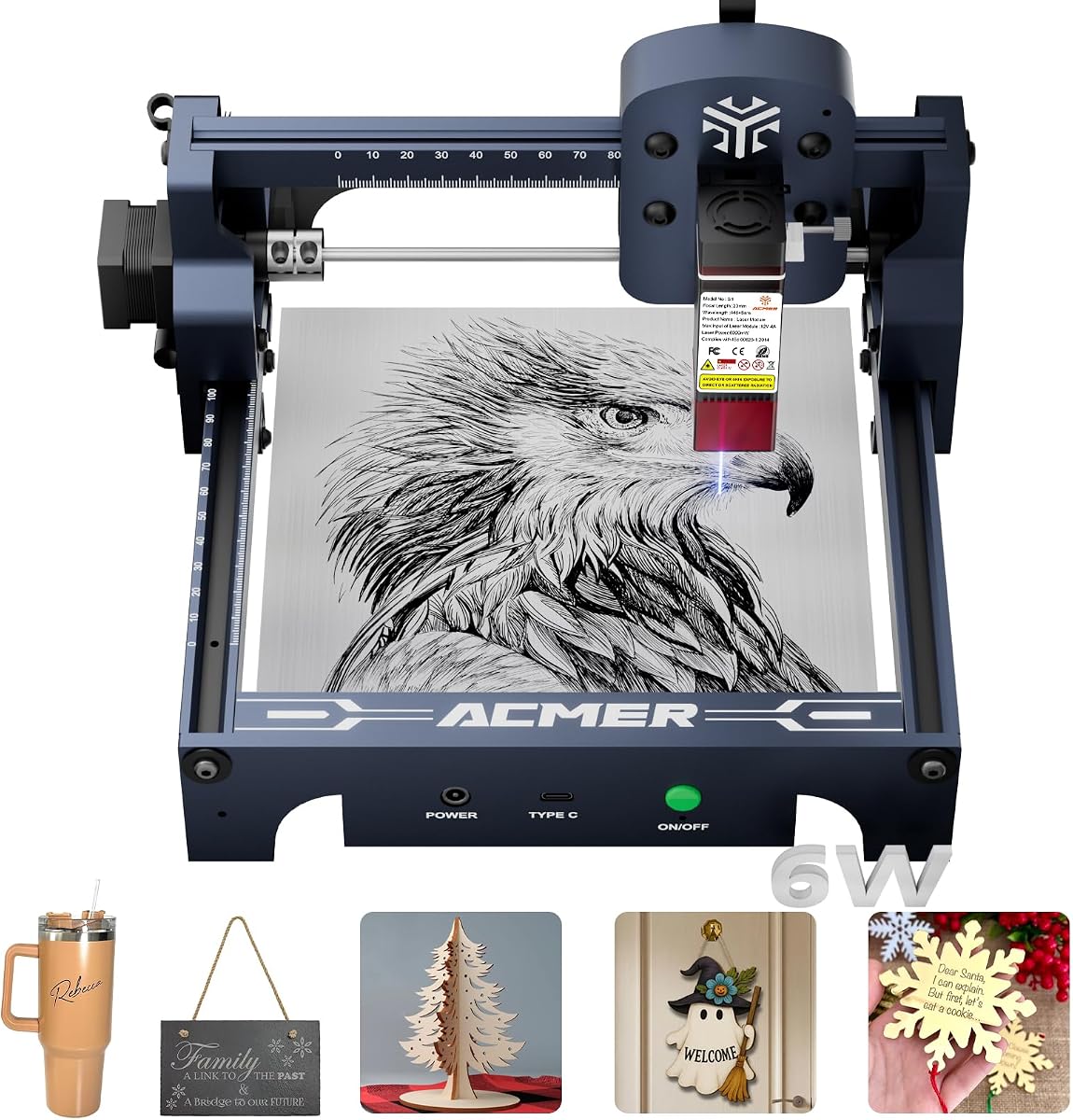
ACMER S1 Laser Engraver
4.3Editor score
6000mW diode power
99 percent preassembled
Lightweight portable design
This expert guide compares the top ten Acmer Laser Engraver models for precision engraving and cutting across wood, leather, and acrylic materials today.
Discovering the right engraving machine can transform your creative projects into professional results. We have analyzed the most reliable Acmer Laser Engraver options available to help you find the perfect tool for your specific workshop needs and skill level.
Our team compared performance, precision, software compatibility, and safety features across ten distinct models. Each selection was evaluated based on real-world capabilities for cutting, engraving, and handling diverse materials like wood, acrylic, and coated metals effectively.
Every pick highlights unique strengths for beginners, hobbyists, and small business owners. While we focus on value and functionality, always verify current availability and pricing directly with the retailer since offers change frequently without prior notice or warning.
4.3Editor score

4.4Editor score

5.0Editor score
Explore the detailed side-by-side comparison of all ten Acmer Laser Engraver models. This section breaks down key specifications and capabilities so you can quickly identify which machine fits your budget and project requirements.


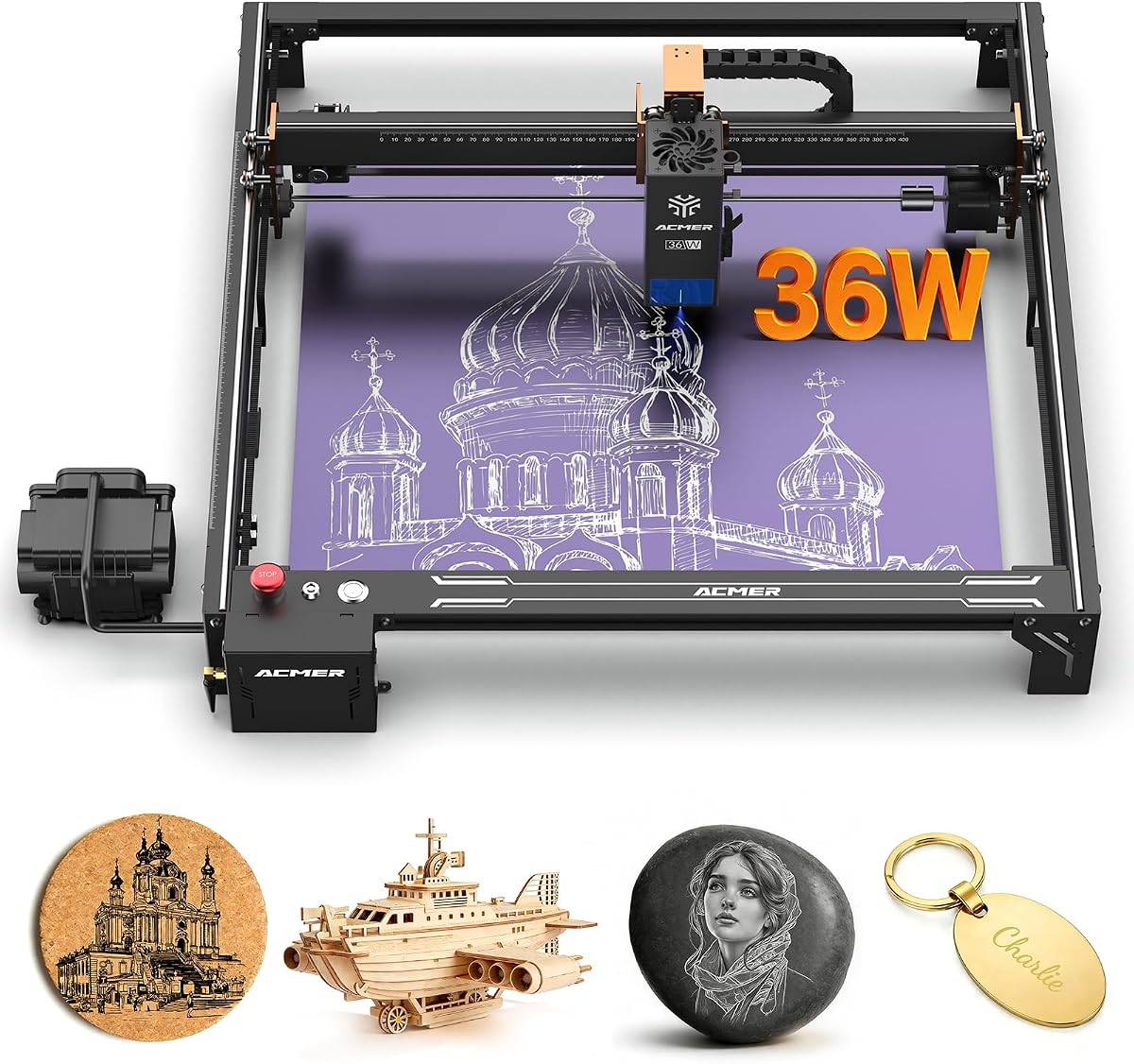
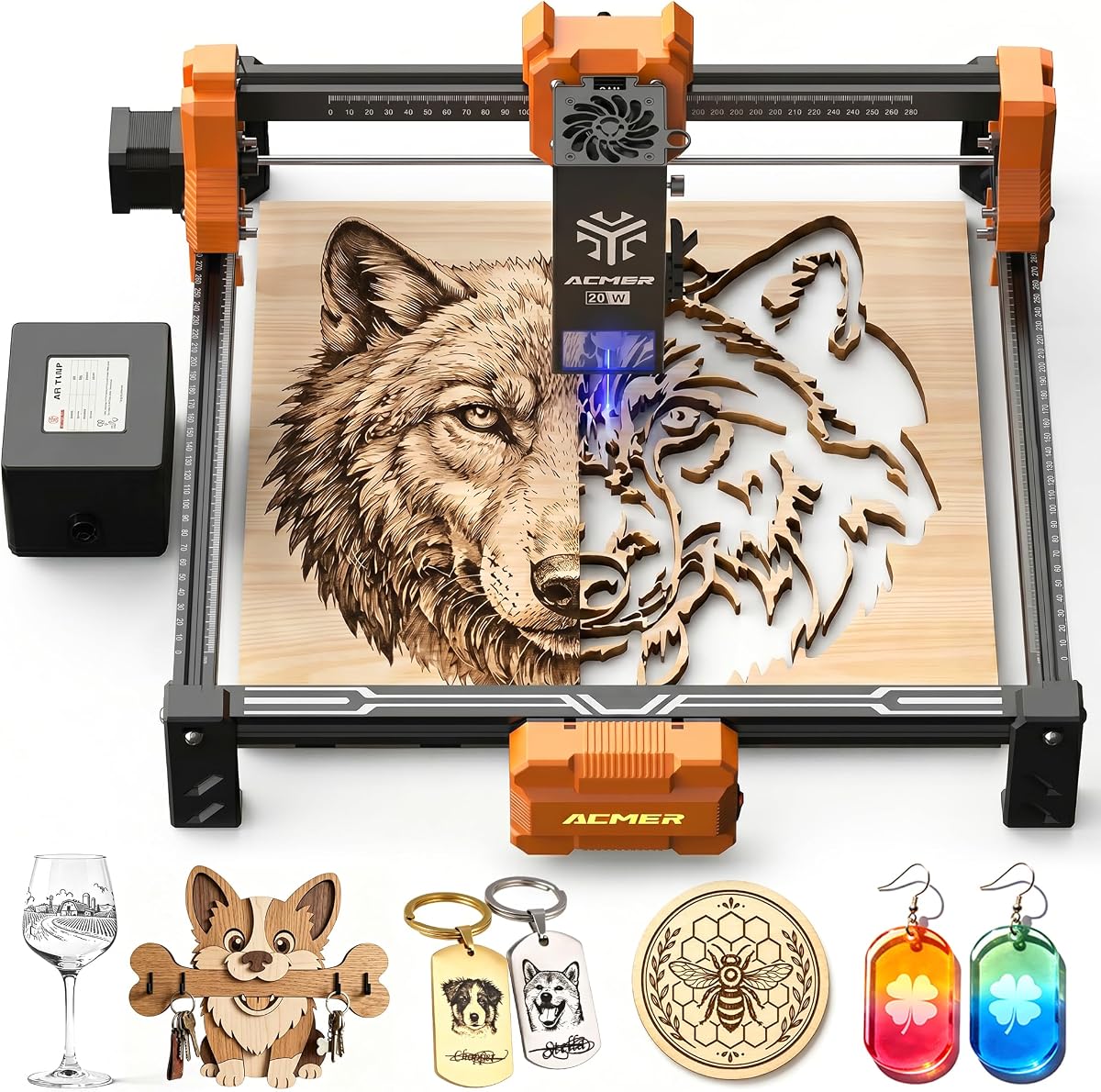
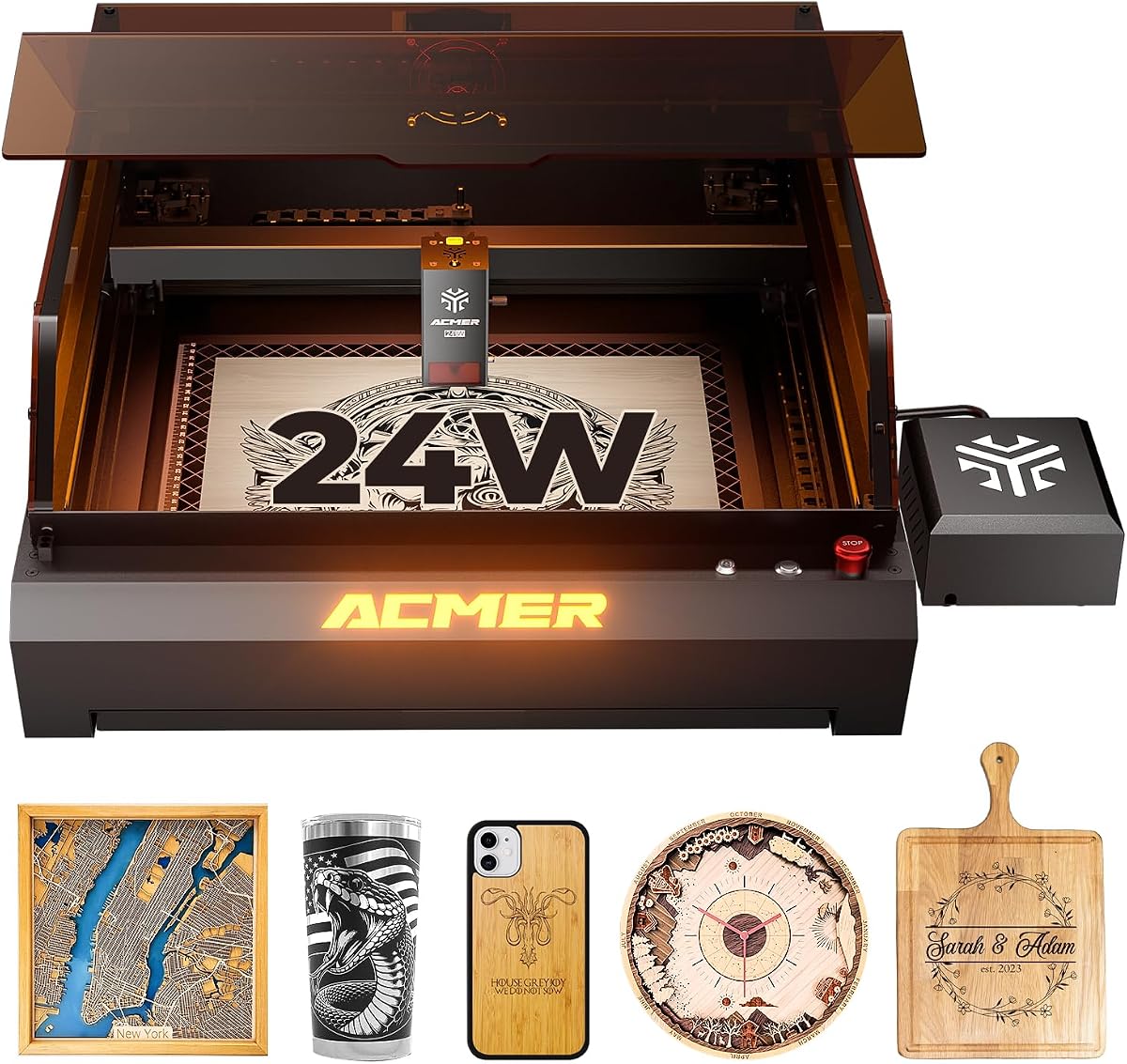

This model stands out with a true 12W laser module delivering strong performance for both engraving and cutting tasks. It holds a solid rating for reliability and offers a generous workspace suitable for various project sizes.
We may earn a commission when you buy through this link, at no additional cost to you.
The 0.01mm positioning accuracy ensures intricate details are reproduced consistently. Users appreciate the compatibility with LightBurn and LaserGRBL, allowing flexibility beyond the default ACMER Studio software. The 300x300mm area accommodates larger designs efficiently.
While assembly is required, the process is straightforward. Some users may find the lack of a camera module limiting for quick alignment, though external tools can compensate. The included safety shield and goggles enhance workplace safety significantly.
This engraver is ideal for hobbyists upgrading from smaller units and small businesses needing consistent results. Its balance of power and precision makes it a top contender in the current market.
The refined laser spot size allows for reproducing fine text and intricate patterns with clean edges suitable for personalized gifts.
With over 100 compatible materials, it handles wood, acrylic, and coated metals effectively for diverse creative applications.
We may earn a commission when you buy through this link, at no additional cost to you.
This version emphasizes ease of use with built-in AI design capabilities that transform text prompts or photos into ready-to-use engraving designs. It maintains the 12W power level for strong cutting performance.
We may earn a commission when you buy through this link, at no additional cost to you.
The advanced 32-bit chip supports engraving speeds up to 10,000 mm/min, which accelerates production for batch projects. Users can start creating immediately using the free Acmerstudio software without complex setup steps.
While the AI tools are powerful, beginners might need time to master them fully. The rotary modules are sold separately, requiring extra budget for cylindrical objects. Overall, it is a strong choice for tech-savvy users.
This model suits beginners seeking modern software features alongside raw power. The combination of speed and precision makes it a versatile option for both casual crafts and small business operations.
Built-in AI tools simplify the design process by converting photos into detailed engraving files quickly and easily.
Engraving speeds reach up to 10,000 mm/min allowing for efficient batch processing of multiple items in one session.
We may earn a commission when you buy through this link, at no additional cost to you.
The S1 is designed for beginners with 99 percent preassembly, requiring only a minute to install the laser head. It offers a compact footprint ideal for home workshops with limited space.
We may earn a commission when you buy through this link, at no additional cost to you.
Weighing only 2kg, this machine is highly portable and easy to store. It supports engraving speeds up to 10,000mm/min, ensuring quick results on smaller materials like wood and acrylic.
The smaller working area may limit large-scale projects but is perfect for jewelry and signs. While lower power limits cutting depth, it remains effective for surface engraving and thin materials.
This option is perfect for hobbyists wanting to start quickly without a steep learning curve. Its durability and light weight make it a convenient choice for students or casual makers.
The 99 percent preassembled design means users can start engraving almost immediately after unboxing.
At just 2kg, the unit is easy to carry and store in any home environment.
We may earn a commission when you buy through this link, at no additional cost to you.
This variant prioritizes user safety with motion-detection auto-pause and an anti-UV shield to protect against accidental exposure. It is rated highly for reliability and ease of use.
We may earn a commission when you buy through this link, at no additional cost to you.
The 7W laser handles engraving and cutting over 100 materials including wood and leather. The spacious 300x300mm workspace allows for larger signs and decorations without frequent repositioning.
While 7W is less powerful than 12W models, it remains effective for most hobby needs. Users may need to buy an air assist pump separately for cleaner cuts on certain plastics.
Ideal for classrooms or home studios, this model balances performance with safety. Its high rating suggests consistent quality and customer satisfaction across various use cases.
Motion detection automatically pauses operation during abnormal movement to prevent accidents or injury.
Optional accessories like rotary modules allow users to upgrade the machine as their skills progress.
We may earn a commission when you buy through this link, at no additional cost to you.
The P1 S Pro delivers 20W of power for deeper cuts and faster engraving times. It features a built-in air assist that reduces burn marks significantly during operation.
We may earn a commission when you buy through this link, at no additional cost to you.
With a 0.08×0.1mm spot size, it achieves ultra-fine precision for detailed artwork. The lens lifespan of 8000 hours ensures long-term reliability without frequent maintenance requirements.
The higher cost reflects its increased capabilities. Users working in poorly ventilated areas should ensure airflow due to the laser intensity, though the air pump helps manage smoke.
This model is perfect for users who need professional-grade speed and precision. It supports complex projects like photo engraving and thicker wood cutting with ease.
The built-in 25L/min air pump minimizes burn marks and keeps the lens clear during cutting sessions.
With an 8000-hour lifespan, the laser head provides years of consistent performance without frequent replacements.
We may earn a commission when you buy through this link, at no additional cost to you.
The S2 Pro features dual linear rails for enhanced stability during high-speed engraving. With 36W power, it handles thicker materials better than smaller models.
We may earn a commission when you buy through this link, at no additional cost to you.
The 400x400mm workspace supports large creative projects without frequent adjustments. Advanced safety features like tilt protection and emergency stop buttons ensure safe operation in professional environments.
Setup is more involved due to the robust frame. Its weight makes it less portable, but the stability compensates for this in fixed workshop settings.
Best for small businesses needing volume production, this model offers reliability. The WiFi connectivity allows wireless control for convenience during long job runs.
Dual linear rails reduce vibration during fast engraving ensuring consistent alignment across large designs.
WiFi and TF card support allow offline engraving and convenient wireless management of jobs.
We may earn a commission when you buy through this link, at no additional cost to you.
This model combines 20W power with a 25L air assist for clean, precise cuts. It reaches engraving speeds of 10,000mm/min for efficient workflow management.
We may earn a commission when you buy through this link, at no additional cost to you.
The 300x285mm workspace is slightly smaller than 300x300mm but remains versatile for most projects. Limit switches ensure the laser head operates safely within its bounds.
Users report high satisfaction with its stability and speed. The absence of a camera means manual alignment is necessary, which some beginners may find slow initially.
It is an excellent choice for those seeking speed without sacrificing too much workspace. Its 5.0 rating confirms consistent reliability and customer trust.
Engraving speeds reach 10,000mm/min enabling quick production of large batches.
Limit switches prevent the laser head from over-traveling or hitting the frame.
We may earn a commission when you buy through this link, at no additional cost to you.
The P3 offers switchable 24W and 48W laser outputs for versatile cutting power. A closed-box design reduces smoke and noise for a cleaner working environment.
We may earn a commission when you buy through this link, at no additional cost to you.
Integrated visual camera allows precise positioning for engraving images directly on materials. The CoreXY structure ensures high speed and stability during complex designs.
This machine is expensive but delivers professional results. The closed box limits visibility during operation, but sensors and cameras mitigate this effectively.
For professionals needing high volume and safety, this is a top choice. It balances advanced features with robust safety certifications for serious users.
Switchable 24W and 48W modes allow flexibility between speed and depth for different materials.
The integrated camera module ensures precise alignment without manual measuring tools.
We may earn a commission when you buy through this link, at no additional cost to you.
This version integrates the laser housing into a 400x400mm workspace for efficiency. The dual laser module solves material compatibility issues for seamless switching.
We may earn a commission when you buy through this link, at no additional cost to you.
The aviation-grade aluminum frame ensures stability even at high speeds. An integrated camera and air assist streamline setup and cleanup for users.
While heavy and complex, the durability justifies the cost. It is designed for users who need industrial reliability in a desktop form factor.
Ideal for dedicated shops, this machine offers professional features. Its 5.0 rating highlights strong performance in high-volume scenarios.
The 400x400mm area allows for larger creative projects without frequent repositioning.
Aviation grade aluminum frame provides exceptional stability and durability for long-term use.
We may earn a commission when you buy through this link, at no additional cost to you.
This unit features a large 380x370mm workspace ideal for expansive designs. It includes WiFi control for convenient management via mobile apps.
We may earn a commission when you buy through this link, at no additional cost to you.
The modular frame makes assembly quick and maintenance easy. Protective glasses and IEC safety certification ensure safe operation for home workshops.
The 6W power is sufficient for light cutting but may require multiple passes for thick materials. Users may need to buy rotary attachments separately for cylindrical items.
Best for designers needing large flat areas for detailed work, this model offers value. Its 5.0 rating confirms it meets user expectations effectively.
The 380x370mm area gives ample room for large-scale designs without frequent repositioning.
The modular frame design simplifies installation and maintenance for easy long-term use.
We may earn a commission when you buy through this link, at no additional cost to you.
Choosing the right model requires balancing power, workspace, and budget. These key factors will help you find the perfect fit for your needs.
Laser power determines how quickly and deeply you can cut materials. Higher wattage models like 20W or 36W cut through thicker woods and metals faster than 6W options.
For hobbyists focusing on engraving, 6W to 12W is sufficient. For production work, 20W or higher ensures efficiency.
The working area defines the maximum size of materials you can engrave. Larger areas like 400x400mm support bigger signs or multiple items.
If you have limited desk space, a compact 130x130mm area may be better. Match the size to your most frequent project dimensions.
Air assist pumps blow air onto the cut to reduce burn marks and clear smoke. Models with built-in pumps offer cleaner edges for acrylic and wood.
Look for models with integrated pumps to avoid buying extra accessories. This feature is critical for professional finishing.
Most models support ACMER Studio and third-party tools like LightBurn. Check if the software supports your file types and design workflow.
Beginners benefit from intuitive interfaces, while pros prefer customizable settings. Ensure the software runs on your operating system.
Safety shields, goggles, and motion detection protect against accidents. Closed-box designs offer the highest protection for environments with children.
Always verify that the model includes safety gear. Class 1 or 4 certification ensures compliance with laser safety standards.
Lightweight units are easier to move and store. Aluminum alloys reduce weight without sacrificing stability during operation.
If you need to transport the machine, consider a model under 5kg. Heavier units are more stable but less flexible.
WiFi, USB, and TF card slots allow flexible file transfers. Wireless options reduce cable clutter and improve workflow.
Check for offline capabilities if you plan to use the machine without a constant PC connection. This is essential for remote use.
Industrial-grade aluminum and linear rails improve stability and reduce vibration. These features extend the machine's lifespan.
Look for robust construction to ensure long-term performance. Avoid cheap plastics if you plan heavy daily use.
Start by placing the machine on a stable, flat surface. Connect the power supply and secure the safety shield before turning it on.
Calibrate the focal length using the provided guide. Load your design into the software and set the correct power parameters for your material.
Clean the lens regularly to maintain sharp focus. Use compressed air to remove debris and store the unit in a dry place.
These machines work with wood, acrylic, leather, and coated metals. Avoid reflective or non-absorbing materials like clear glass or polished aluminum.
Most units come with the required power supply included. Check the product details to confirm if any additional adapters are needed for your region.
While most models connect to PCs, some support mobile apps and TF card storage. This allows offline operation without a permanent computer connection.
Use a soft lint-free cloth and compressed air. Avoid direct touch with fingers to prevent oils from smudging the lens.
Modules typically last around 8000 hours of operation. Proper ventilation and cooling extend this lifespan significantly.
Yes, with an optional rotary module. This accessory allows tumblers and bottles to rotate for seamless engraving.
Most models include protective eyewear. Always verify the package contents if you plan to share the machine with others.
A table of at least 30×30 inches is recommended. Ensure there is enough room for the power supply and ventilation requirements.
The ACMER S2 models offer the best balance of power and workspace for most users. The S1 provides an affordable entry point for beginners.
Prioritize safety and software compatibility when making your choice. Ensure the unit matches your specific project types and material needs.
Always verify current pricing and availability before purchasing since offers change frequently. Select the model that fits your long-term goals.