
Thermalright TL-C14C-S X3
4.7Editor score
Silent operation with low noise
High airflow for cooling
PWM speed control support
This guide compares the top ARGB 140mm fans for PC builds, evaluating airflow, noise, lighting sync, and bearing technology to help you choose the perfect
Choosing the right cooling solution is critical for maintaining optimal system performance. ARGB 140mm fans offer a blend of aesthetic appeal and efficient airflow. They ensure your components stay cool while enhancing your build's visual style with customizable lighting effects.
We evaluated leading models based on airflow performance, noise levels, and lighting synchronization. Our analysis covers various bearing types and connection methods to help you find the best fit. We considered compatibility with modern motherboards and ease of installation for all users.
Each pick highlights specific strengths like silent operation or high static pressure. You will see detailed breakdowns of features and real-world performance metrics. Please note that pricing and availability can fluctuate, so check current listings before purchasing your next fan set.
4.7Editor score

4.8Editor score

4.6Editor score
This side-by-side comparison evaluates the top ten ARGB 140mm fans currently available. We highlight key specifications like airflow, noise levels, and bearing types to help you make an informed decision for your PC build.
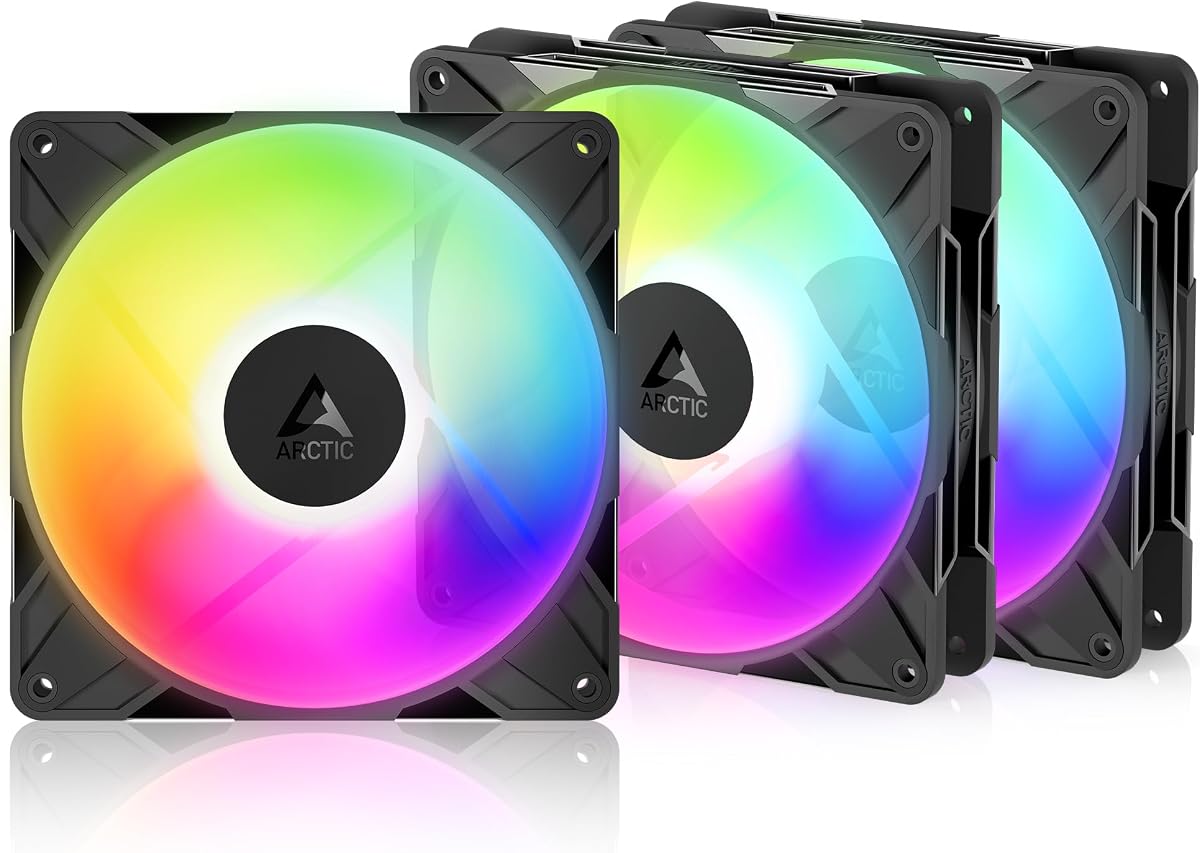


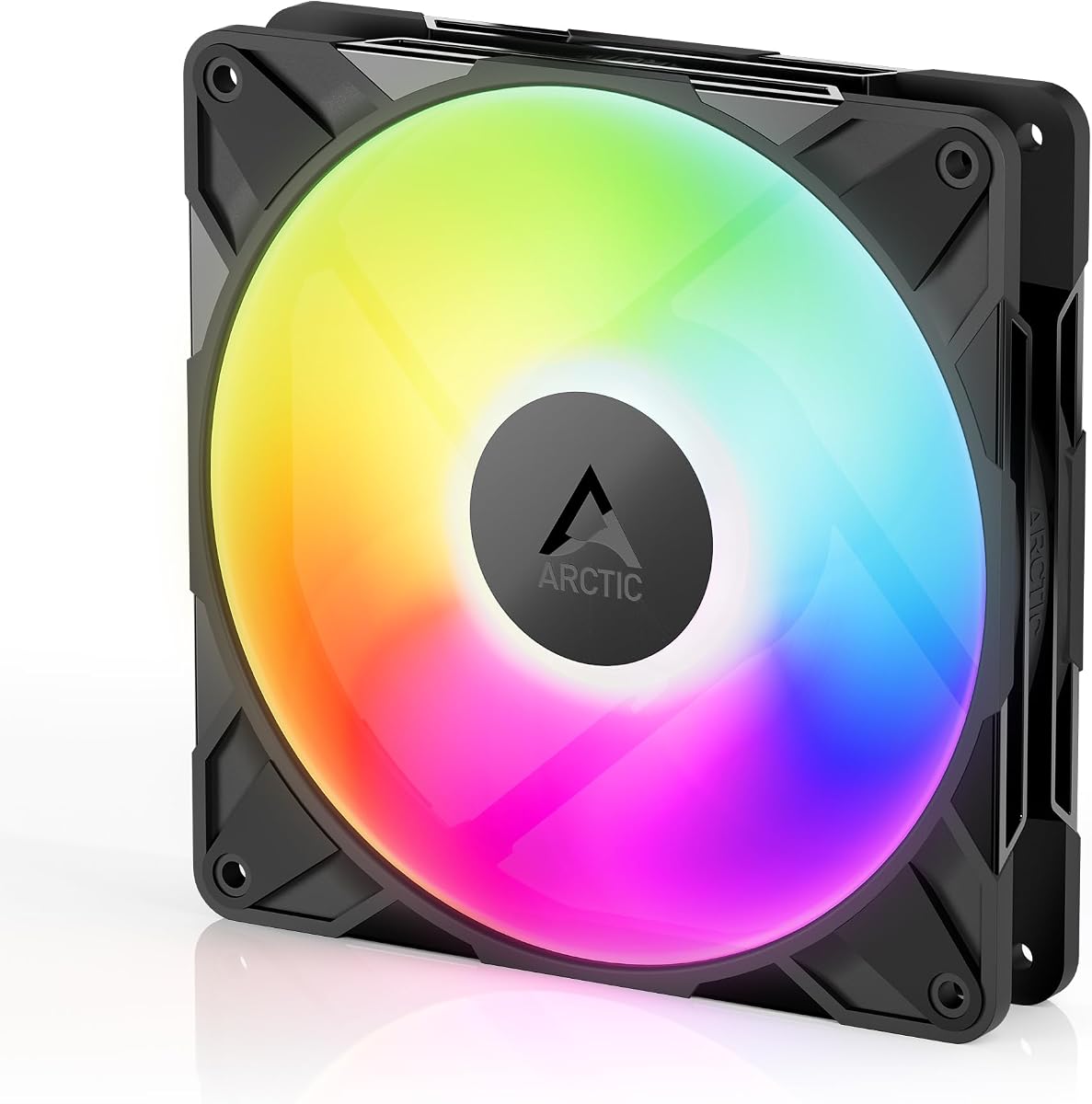


The Thermalright TL-C14C-S X3 stands out as a top contender for cooling enthusiasts. With a rating of 4.7 stars, it delivers silent operation and reliable performance. This 3-pack offers exceptional value without compromising on cooling efficiency.
We may earn a commission when you buy through this link, at no additional cost to you.
Its S-FDB bearing ensures smooth rotation and reduced noise during long sessions. The airflow reaches up to 75.8 CFM which helps maintain optimal temperatures. PWM control allows automatic speed adjustments based on your system heat.
While it lacks advanced RGB controllers, the lighting effects remain vibrant. The soft lighting is perfect for builds focused on performance rather than flashy aesthetics. It balances price and functionality better than most competitors.
This fan is ideal for budget builders seeking silent cooling. Whether you need case fans or radiator support it performs admirably. We recommend it for anyone prioritizing airflow and silence over complex lighting features.
The fan operates at 26.4 dBA ensuring a quiet environment for work or gaming.
With 75.8 CFM airflow it effectively removes heat from your PC components.
We may earn a commission when you buy through this link, at no additional cost to you.
CORSAIR RS140 fans are designed for high-performance systems requiring significant cooling. The magnetic dome bearing reduces friction and noise effectively. This dual pack provides efficient cooling for radiators and cases.
We may earn a commission when you buy through this link, at no additional cost to you.
AirGuide technology directs airflow precisely to hotspots in your build. The daisy-chain connection simplifies cable management significantly. You only need one PWM and one ARGB connector for multiple fans.
The 95.5 CFM airflow is among the highest in its category. However the price is higher than average options. It is a premium choice for users who need maximum air movement.
Choose this if you want reliable high-speed cooling with neat cables. The airflow performance justifies the cost for demanding workloads. It is a strong option for professional gaming rigs.
Anti-vortex vanes direct airflow to specific components for concentrated cooling.
Daisy-chain setup reduces clutter and simplifies installation significantly.
We may earn a commission when you buy through this link, at no additional cost to you.
This fan features a unique reverse airflow design perfect for glass front cases. It maintains aesthetics while delivering strong cooling performance. The hydrodynamic bearing ensures low friction and long lifespan.
We may earn a commission when you buy through this link, at no additional cost to you.
The speed range from 400 to 2650 RPM offers great flexibility. You can run them very quietly or boost speed when needed. It stops completely below 5% PWM for zero noise periods.
The reverse design hides motor hubs on the intake side. This improves visual appeal significantly. However it costs more than standard fans due to the specialized engineering.
Ideal for builders wanting a clean look without compromising cooling. It suits modern PC cases with tempered glass. This pick balances style and function effectively for enthusiasts.
Draws air from the back side for a clean visual appearance.
Stops completely at low PWM levels for silent periods during use.
We may earn a commission when you buy through this link, at no additional cost to you.
Thermaltake uses MagForce 2.0 for quick magnetic fan connections. This simplifies installation and allows flexible configurations easily. The hydraulic bearing supports quiet operation over long periods.
We may earn a commission when you buy through this link, at no additional cost to you.
It includes nine addressable LEDs for customizable lighting effects. Anti-vibration mounting helps keep noise levels low. This 3-pack provides a complete cooling solution for most cases.
The magnetic system is convenient but requires compatible setups. It is less rigid than traditional cabling. However it offers a modern user experience for new builds.
Choose this for easy setup and vibrant lighting control. It fits well in systems needing neat wiring. This pick is great for those prioritizing user-friendly installation.
Magnetic connections enable quick and secure fan attachment without clips.
Anti-vibration mounting system dampens noise effectively.
We may earn a commission when you buy through this link, at no additional cost to you.
The AsiaHorse Amici features an infinity mirror lighting effect. It creates a deep visual impact with 24 LED beads. This model offers high airflow for efficient cooling needs.
We may earn a commission when you buy through this link, at no additional cost to you.
It supports motherboard RGB sync for seamless system lighting. The hydraulic bearing ensures smooth operation for 50000 hours. It stays quiet even at high speeds thanks to balancing.
The mirror effect stands out but may not fit all styles. It requires careful cable management due to daisy-chaining. However the visual quality is impressive for the price.
Perfect for users wanting unique RGB visuals. It balances performance and aesthetics well. This pick offers a distinct look for custom PC builds.
24 LED beads create a deep visual illusion on the fan frame.
Compatible with major RGB protocols for easy color control.
We may earn a commission when you buy through this link, at no additional cost to you.
Cooler Master MF140 Halo offers stunning Duo-Ring ARGB lighting. It includes sound absorbing materials for quiet operation. The hybrid blades manage static pressure well.
We may earn a commission when you buy through this link, at no additional cost to you.
It is compatible with major RGB sync systems. The sound absorbing foam reduces fan noise effectively. This makes it a favorite for quiet builds.
The max speed is moderate but noise is low. It prioritizes silence over raw speed. This trade-off is acceptable for silent PC enthusiasts.
Ideal for high-end silent systems needing style. It balances looks and acoustic performance. We recommend it for quiet workstation setups.
Two rings of individually controlled ARGB LEDs provide depth.
Sound absorbing materials dampen noise for a quiet environment.
We may earn a commission when you buy through this link, at no additional cost to you.
This model offers exceptional speed up to 3000 RPM. The fluid dynamic bearing ensures smooth operation and durability. It is a robust choice for demanding thermal environments.
We may earn a commission when you buy through this link, at no additional cost to you.
The redesigned rotor blades improve balance and airflow. It stops completely below 5% PWM for silent operation. This provides flexibility for different usage scenarios.
While it can be noisy at full tilt it offers precision. You can lower speeds for daily use. It handles radiators and dense airflow obstacles well.
Best for advanced users needing high static pressure. It excels where airflow resistance is high. We recommend it for radiator cooling needs.
Efficient airflow penetrates dense radiators and mesh panels.
Fluid dynamic bearing minimizes noise and extends fan life.
We may earn a commission when you buy through this link, at no additional cost to you.
This version emphasizes silent cooling for PC cases. It uses PBT+PC material for durability and insulation. The S-FDB bearing reduces noise during operation.
We may earn a commission when you buy through this link, at no additional cost to you.
Airflow matches the X3 version for consistent performance. The 7-blade design optimizes heat dissipation. It balances speed and noise effectively.
It is a standard silent fan without advanced RGB. However it delivers reliable cooling for most users. The price remains affordable compared to other options.
Choose this for simple silent cooling needs. It fits well in standard PC builds. We recommend it for practical everyday performance.
Noise reducing 7-blade design keeps sound levels low.
PBT+PC material ensures high durability and insulation.
We may earn a commission when you buy through this link, at no additional cost to you.
Rated 4.9 stars this fan excels in reverse airflow design. The fluid dynamic bearing supports smooth and long operation. It is ideal for glass front PC cases.
We may earn a commission when you buy through this link, at no additional cost to you.
Its precision manufacturing reduces vibration and noise. It provides reliable cooling even in dense configurations. The airflow penetrates radiators effectively.
It commands a premium price due to specialized design. Not every user needs reverse airflow. However it solves aesthetic issues for many builds.
Best for builds needing clean intake visibility. It combines looks with performance well. We recommend it for aesthetic-focused PC cases.
Efficient even with resistance from radiators and panels.
Precise measurement and balancing reduce vibrations.
We may earn a commission when you buy through this link, at no additional cost to you.
This is the most affordable option with high ratings. It offers ARGB lighting without a high cost. The S-FDB bearing ensures smooth and quiet performance.
We may earn a commission when you buy through this link, at no additional cost to you.
It features atomizing LED blades for soft light. The design matches coolers and cases well. It delivers excellent cooling for its price point.
Lighting modes are limited compared to expensive fans. However it covers essential needs well. It is a strong contender for budget systems.
Choose this for silent affordable ARGB cooling. It offers high value for the price. We recommend it for budget PC builds.
LED atomizing blades reflect light softly for better effects.
High performance at a low cost.
We may earn a commission when you buy through this link, at no additional cost to you.
Selecting the right fan involves balancing performance needs with aesthetic requirements. We outline key factors to help you choose the perfect ARGB 140mm fan for your PC.
Airflow measured in CFM indicates how much air moves through the case. Static pressure determines how well the fan pushes air through obstacles like radiators. High airflow suits general case cooling while high pressure works best for radiators.
Prioritize airflow for open cases and static pressure for tight radiator setups.
Bearing types impact fan lifespan and noise levels. Fluid dynamic bearings like S-FDB are common for smooth rotation and durability. Magnetic bearings offer premium performance but at a higher price.
Look for fluid dynamic bearings for reliable quiet performance.
Noise is measured in decibels (dBA). Quiet fans stay below 25 dB at standard speeds. High-speed models may be louder but offer better cooling. Check dB ratings before buying.
Choose fans below 26 dBA for silent workstations.
PWM connectors allow automatic speed control by the motherboard. This ensures efficient cooling without constant manual adjustment. Ensure the fan supports PWM for flexibility.
Select fans with 4-pin PWM connectors for automatic control.
ARGB fans require 5V 3-pin headers. Check if your motherboard supports ARGB to sync lighting. Some brands offer specific sync software like Aura Sync or Mystic Light.
Verify motherboard header compatibility for RGB syncing.
Many modern fans support daisy-chaining to simplify wiring. This reduces cable clutter inside the case. Look for magnetic or modular connection systems.
Daisy-chaining simplifies installation and improves cable management.
Reverse fans draw air from the back for clean aesthetics. They eliminate motor hubs on the front side. This is ideal for glass front cases.
Consider reverse fans if visual appearance is a priority.
Fans are sold individually or in packs. Packs are more cost-effective for multiple slots. Ensure the pack includes necessary splitters or hubs.
Buy packs for better value when filling a full case.
Install fans using rubber grommets to reduce vibration. Mount them securely to the case frame with screws. Ensure blades rotate freely without obstruction.
Connect the PWM cable to the motherboard fan header. Plug the ARGB cable to the 5V header for lighting. Do not connect ARGB to RGB headers.
Clean dust regularly using compressed air. Dust buildup reduces airflow and increases noise. Check connections periodically for secure fit.
ARGB stands for Addressable RGB allowing individual LED control. Standard RGB lights up all LEDs the same color. ARGB provides more effects and customization via motherboard software.
Most 140mm fans fit standard cases with 140mm mounting points. Some small cases may require 120mm fans. Always check mounting dimensions before purchasing.
PWM adjusts fan speed by varying voltage signals. The motherboard changes signal to change RPM automatically. This optimizes cooling based on system temperature.
You can mix brands if they use the same 5V 3-pin standard. Software may differ for effects but basic lighting works. Use universal controllers if sync is critical.
Daisy-chaining connects multiple fans with one cable. This reduces cable clutter and simplifies wiring. Check compatibility with your motherboard headers.
Reverse fans hide motors on the back side. This creates a cleaner look for glass cases. They provide the same cooling performance as standard fans.
We recommend the Thermalright TL-C14C-S X3 for value and silent performance. The Cooler Master MF140 Halo offers superior lighting and acoustic control. CORSAIR RS140 excels in high static pressure setups.
Prioritize airflow if you have a hot system or choose silence for quiet workstations. Ensure your motherboard supports ARGB for full customization features.
Always check current listings before purchasing as availability changes. We hope this guide helps you build a perfect PC cooling system.